
Convert YouTube Shorts to MP4: Fast, Legal, High Quality
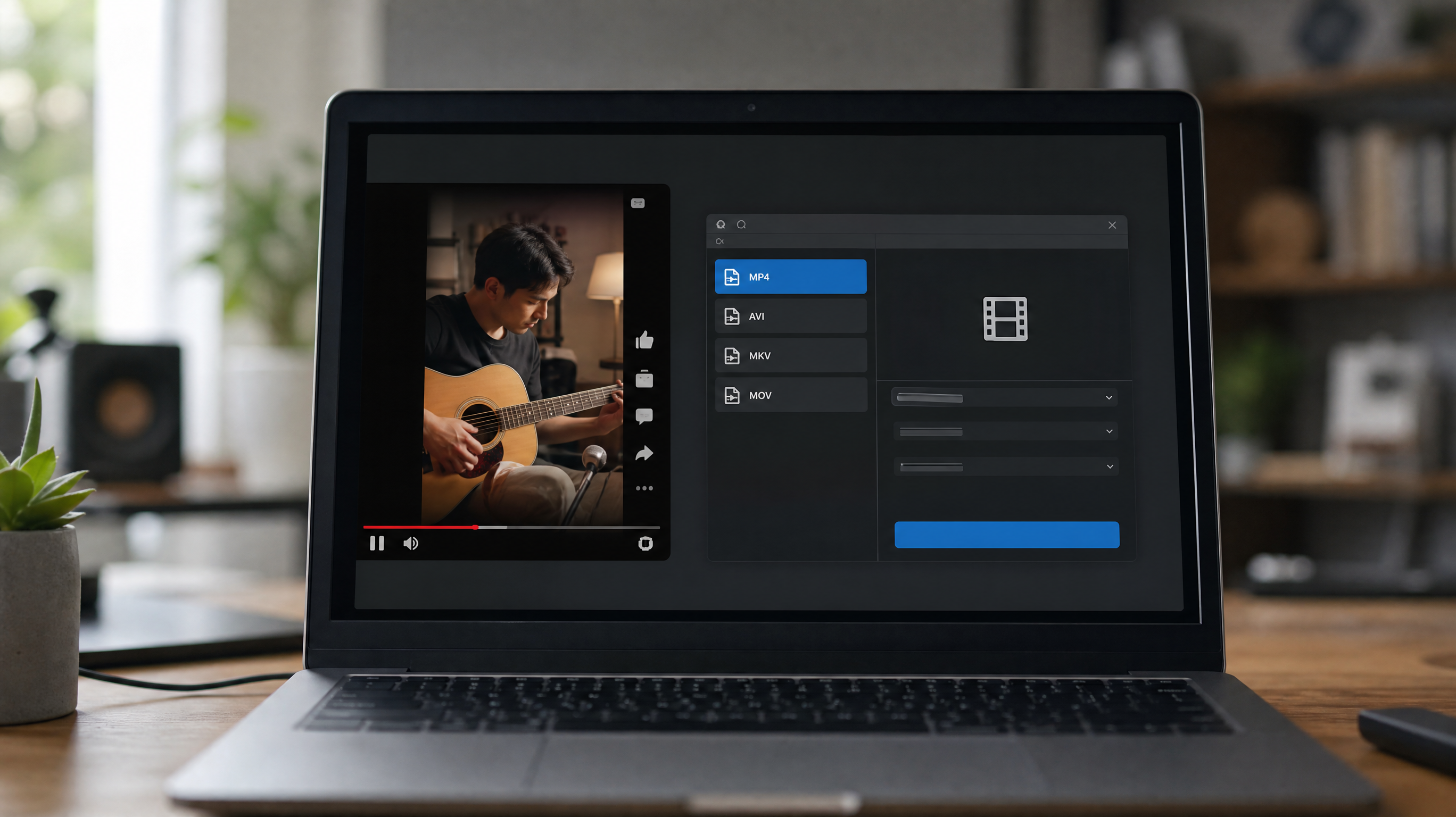
Convert YouTube Shorts to MP4: Fast, Legal, High Quality
Why Convert YouTube Shorts to MP4
Short-form video dominates attention right now, and YouTube Shorts has become a serious channel for brands, educators, and creators alike. But what happens when you need that content off the platform and into your production workflow?
MP4 is the answer. It is the most universally compatible container format on the planet, accepted by every major editing suite, social platform, and device on the market. Converting a Short to MP4 means you can drop the file directly into Premiere Pro, CapCut, or DaVinci Resolve without any conversion gymnastics. You can archive it, repurpose it, or adapt it for Instagram Reels, TikTok, or paid ad campaigns — all while preserving the original quality up to 1080p at 60 frames per second when the source supports it.
There is also a practical resilience argument. YouTube accounts get flagged. Videos get taken down. Platform algorithms shift. Keeping local MP4 backups of content you own protects your strategy from disappearing overnight. If you produce Shorts regularly, an organized library of youtube shorts mp4 files is as much a business asset as a brand guide or a media kit.
Legal and Safe Downloading Guidelines
Before you download a single frame, understand the legal landscape clearly. YouTube Shorts are still governed by copyright law. Downloading is only lawful when you own the content, hold explicit written permission from the creator, or the video carries a permissive license such as Creative Commons Attribution.
YouTube's Terms of Service prohibit downloading unless a download button or link is explicitly provided by the platform. Tools that circumvent digital rights management (DRM) or access restricted, private, or geo-blocked content cross a legal line regardless of how convenient they are.
When a Creative Commons license requires attribution, credit the original creator in every context where you publish or share the file. If a watermark is part of the license terms, keep it intact. Stripping attribution or watermarks is not just a legal risk — it damages your brand's credibility.
Store your MP4 files responsibly. Do not re-upload someone else's Short and pass it off as original content. Do not mislead audiences about the source. Treat each downloaded file as you would any licensed asset in your creative library: documented, attributed, and used only within the scope of the rights you hold.
Choosing a YouTube Shorts MP4 Downloader
Not all converters are equal. The right tool saves time, protects your data, and consistently delivers quality output. Here is what to evaluate before committing.
Essential Features
A capable mp4 downloader youtube shorts tool should output at least 1080p without forced compression artifacts. Audio handling matters too — you want stereo or original channel output rather than a degraded mono track. Subtitle or caption export is a bonus for accessibility workflows. Trim functionality, even basic start/end point selection, can save an extra editing step when you only need a clip segment.
Security and Reliability
Avoid any tool that requires a browser extension with broad site-read permissions — that is a privacy risk that is simply not worth it. Stick with web-based converters or desktop applications that have transparent privacy policies and no history of malware flags. Check independent reviews and VirusTotal scans before installing anything locally. A trustworthy youtube shorts download mp4 tool will never ask for your Google credentials.
Performance and UX
If you are handling volume — think campaigns with 30 or 40 Shorts repurposed across channels — batch conversion and cloud export workflows become essential. Test how the tool handles queue processing and whether it supports direct-to-cloud delivery (Google Drive, Dropbox). A clean interface and clear status indicators reduce human error during bulk mp4 download youtube shorts operations.
Simple, Compliant Workflow to Convert Shorts to MP4
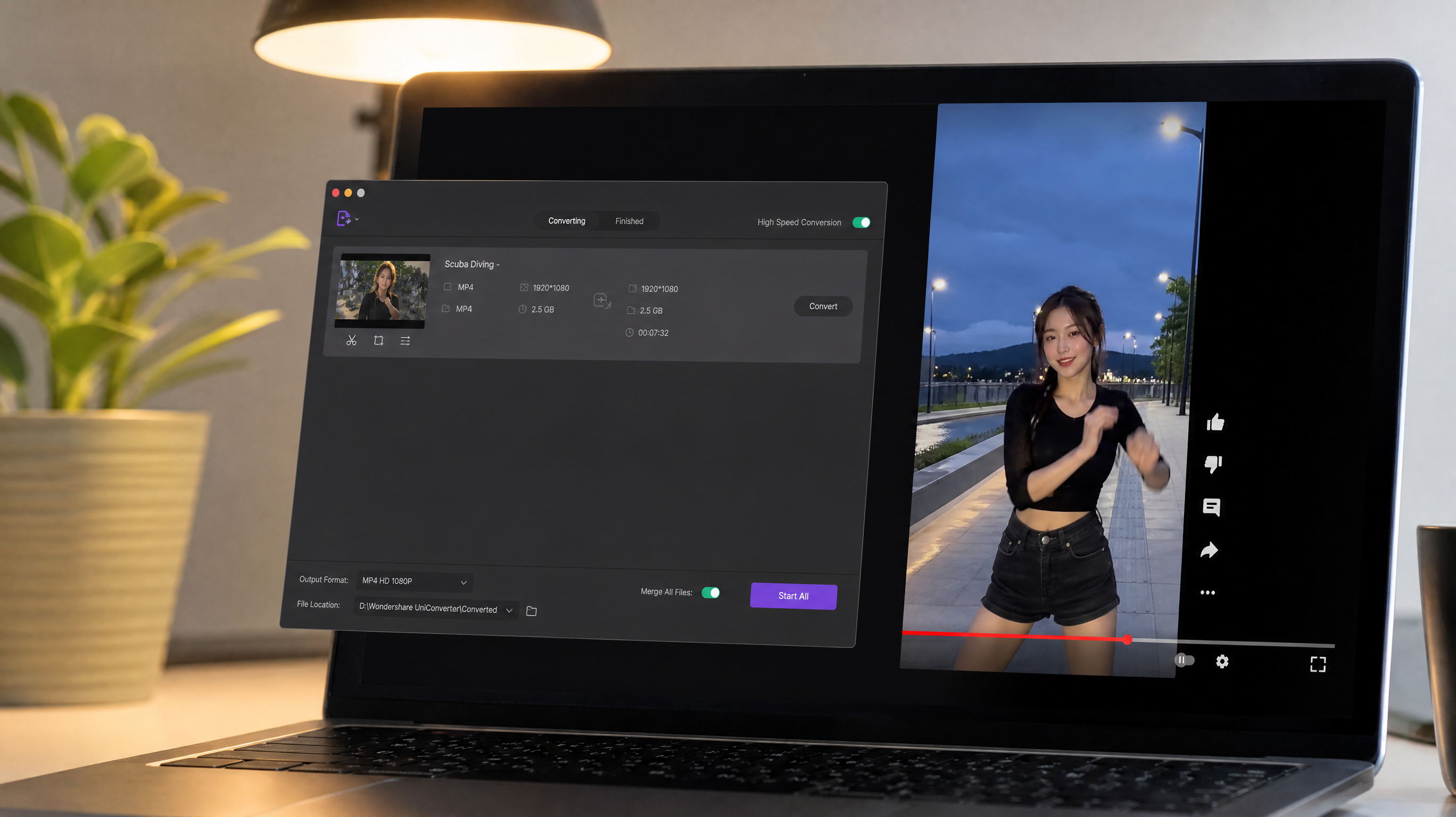
The actual conversion process is straightforward once your legal basis is confirmed and your tool is selected.
Desktop Workflow
Open the YouTube Short you are authorized to download. Click the Share button and copy the URL — it typically contains /shorts/ in the path. Paste that URL into your chosen converter. Select MP4 as the output format, then choose your target resolution. Before you hit export, verify the output settings: H.264/AVC codec, the original frame rate (often 30fps or 60fps), and a bitrate appropriate for your destination platform. Instagram Reels generally performs well at around 3.5 to 5 Mbps. LinkedIn and YouTube re-uploads handle 8 Mbps cleanly.
Once downloaded, name the file with a consistent slug — something like brand-campaign-short-001-1080p.mp4 — and embed metadata such as the source URL, license type, and download date. This discipline pays off the moment you are managing dozens of files for a content series. Keep a copy of any permission documentation in the same folder.
Mobile Workflow
On mobile, the process mirrors the desktop flow. Copy the Short's share link from the YouTube app, open your converter in a mobile browser or app, paste the URL, select MP4 and your preferred resolution, then save to your camera roll or cloud storage. Some platforms label this as a download youtube shorts to mp4 function directly in their UI. Always double-check the output file plays back correctly before deleting the source link from your clipboard.
Quality Settings, Formats, and File Size Tips
Getting the conversion right technically is what separates polished repurposed content from footage that looks degraded the moment it hits another platform.
Resolution and Bitrate
Match the source resolution. If the Short was filmed in 1080p, export at 1080p. Upscaling from 720p adds no quality — it only increases file size. For motion-heavy content like sports clips or fast edits, preserving the original 60fps matters. Dropping to 30fps on a 60fps source creates a subtle but noticeable loss of smoothness that viewers notice even if they cannot articulate why.
Bitrate is the quality-versus-size dial. For 1080p MP4 files destined for social ads, constrained encoding around 6 to 8 Mbps strikes a good balance. Run a short test clip before committing to a full batch — what looks fine on a 13-inch laptop screen may show compression blocks on a 4K monitor or a TV ad placement.
Codecs and Compatibility
H.264 in an MP4 container is the safest universal choice. Every platform accepts it. Every device plays it. H.265 (HEVC) reduces file size by roughly 40% at equivalent quality, which matters for storage and upload speed, but compatibility gaps remain — certain ad platforms and older devices still struggle with HEVC playback.
Enable loudness normalization if your converter supports it; platforms like YouTube and Instagram apply their own loudness targets (-14 LUFS and -16 LUFS respectively) and will re-encode audio that falls outside range, which can introduce artifacts. On the color side, ensure the video is tagged with the correct color range (typically BT.709 for web video) to avoid washed-out or oversaturated output after platform processing.
Troubleshooting and FAQs
Common Errors
If you paste a URL and the converter returns an error, the most likely causes are that the Short is set to private, has been removed by the creator, or is geo-restricted in your region. Verify the video plays normally in an incognito browser window first. Slow download speeds often point to network throttling or server load on the converter itself — try during off-peak hours or switch to a different network or tool.
Corrupted output files usually result from an interrupted download. Re-run the conversion and confirm your storage has sufficient free space before starting.
Rights and Permissions
The most common question is whether it is legal to download any Shorts found through search. The answer is no. Copyright attaches to a video the moment it is created. You cannot lawfully download and repurpose a youtube mp4 shorts file simply because it is publicly visible.
If you want to use someone else's Short, reach out directly, get written consent, and document it. When that is not feasible, licensed stock video platforms offer thousands of short-form clips that carry clear commercial rights. Using licensed stock is almost always faster and safer than chasing permissions or risking a copyright strike that could affect your entire channel.
When genuine uncertainty exists about rights, err on the side of caution — consult a media attorney or choose a different clip.