Best TikTok Editing Apps: Top Video Editors Compared
Les articles sont rédigés en anglais.
Creating scroll-stopping TikTok content demands more than just a great idea. You need editing tools that understand vertical video, deliver trending effects on demand, and export crisp 1080p footage that looks sharp on every device. The right software accelerates your workflow, lets you layer effects with precision, and keeps your brand consistent across hundreds of posts. After testing dozens of mobile and desktop editors, we've identified the platforms that deliver professional results without forcing creators to mortgage their time or budget.
Top Picks at a Glance
CapCut stands as the best TikTok editor overall, offering smart auto-captions that time-stamp perfectly, a vast library of native effects, and export presets tuned specifically for TikTok's codec preferences. Whether you're dropping keyframes on motion graphics or layering multiple audio tracks, CapCut handles the load without crashing mid-edit.
InShot earns its place as a good editing app for TikTok by combining quick trims, snappy transitions, and a curated stock-music library that clears creator usage. Its canvas controls let you switch aspect ratios in two taps, making it ideal for repurposing one shoot across TikTok, Instagram Reels, and YouTube Shorts.
VN (VlogNow) is the best free TikTok video editor for creators who demand multi-track timelines on mobile. You get advanced curves for audio ducking, no forced watermark, and the ability to nest sequences—capabilities usually locked behind desktop software.
Adobe Premiere Rush is the best editor for TikTok videos when cross-device syncing and brand control matter. Start a project on your phone during lunch, refine color grades on your tablet that evening, and publish from your desktop the next morning. Brand fonts, reusable LUTs, and shared libraries make it a natural fit for agencies and in-house teams.
These are the best apps for editing TikToks when you need fast templates and native aspect ratios. Each one ships with 9:16 presets, trending transitions, and export pipelines optimized for TikTok's 24 Mbps bitrate ceiling and HDR requirements.
How to Choose the Best TikTok Video Editor
Key Features to Prioritize
Auto-captions have moved from "nice to have" to mandatory. TikTok's algorithm favors videos with embedded text, and viewers increasingly watch on mute. Look for editors that generate captions automatically, let you fix typos inline, and offer animated subtitle styles that match your brand. Beat sync is another non-negotiable: aligning cuts to music beats transforms a flat montage into a rhythm-driven narrative that holds attention. Green-screen compositing opens creative doors, letting you swap backgrounds and layer talking-head footage over product demos. Finally, ensure your chosen tool includes effects optimized for TikTok video editing—trending filters, glitch transitions, and speed-ramping controls that mirror what's already performing on the For You page.
Compatibility and Performance
Your editor must support 9:16 (vertical), 1:1 (square), and 4:5 (portrait) aspect ratios with one-tap switching. Export options should include granular control over bitrate, HDR tone mapping, and frame rates—24 fps for cinematic looks, 30 fps for standard uploads, and 60 fps for action sequences. Check device support carefully: some tools run beautifully on iOS but lag on older Android hardware, while others require desktop-class processors for 4K timelines. Cloud sync ensures you can start edits on your phone and finish on a laptop without manually transferring project files. Hardware acceleration (Metal on Apple, CUDA on Windows) keeps previews smooth and renders fast, even when you stack multiple effects.
Pricing and Licensing
Compare free versus premium tiers with a critical eye. The best app to edit TikTok videos balances rich feature sets with fair watermark policies. Some free plans force branding on every export, while others only gate advanced effects behind paywalls. Templates and music libraries that clear creator usage help you publish faster and sidestep copyright strikes. Read the licensing fine print: royalty-free music for personal use doesn't always cover commercial posts or client work. Subscription costs range from zero to $20 per month; calculate ROI by dividing your monthly content output by the subscription fee to determine cost per video.
Best TikTok Editing Apps (Detailed Picks)
CapCut
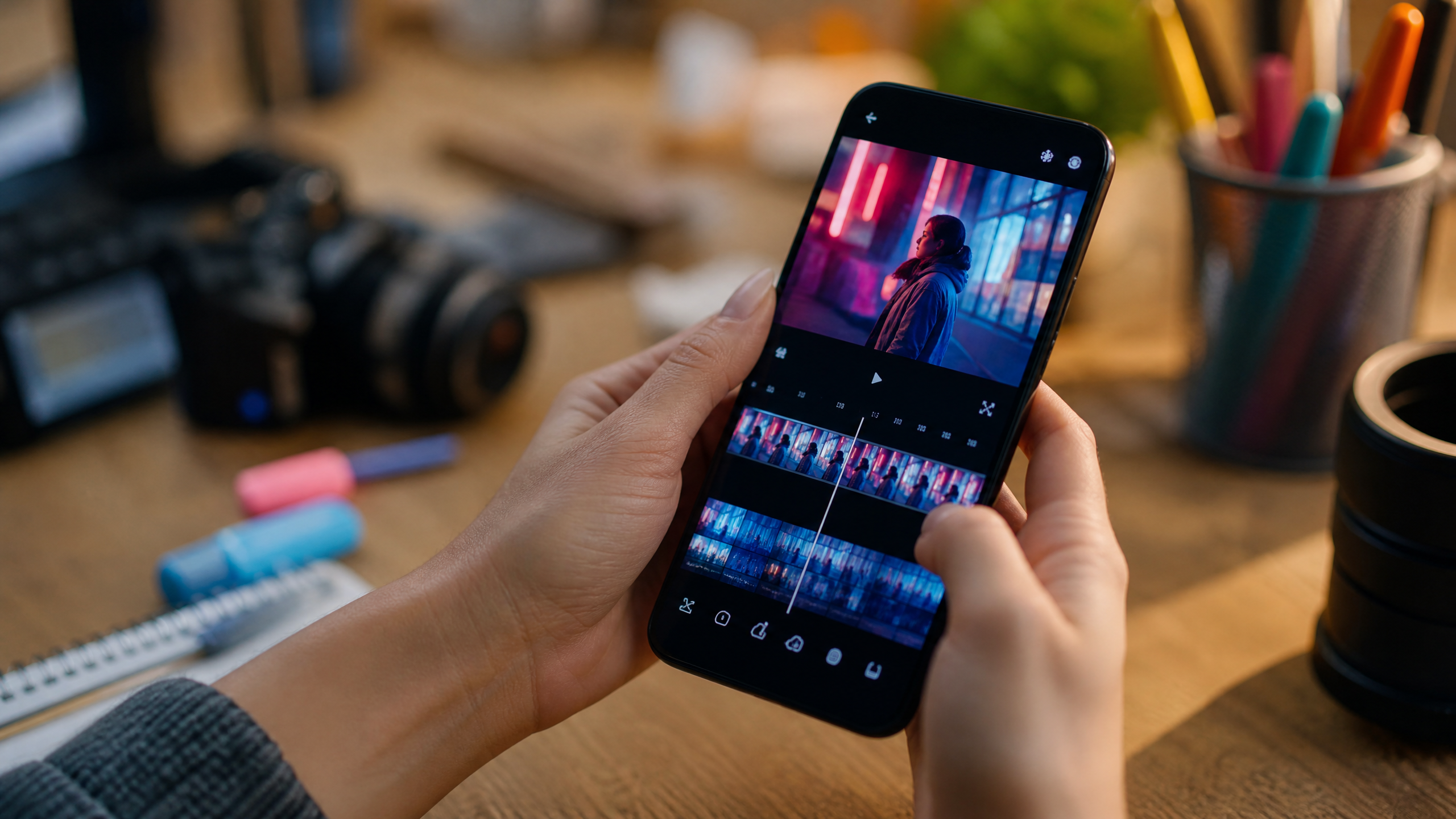
CapCut has become synonymous with TikTok video editing. Owned by ByteDance (TikTok's parent company), it ships with AI-powered captions that auto-generate with impressive accuracy, saving you 10–15 minutes per video. The auto-cut feature analyzes your footage for dead air and removes pauses automatically, tightening pacing without manual scrubbing. Keyframe animation lets you precisely control motion, opacity, and scale over time—critical for building kinetic typography and product reveals. The native TikTok effects library updates weekly with trending filters, so you're always working with what's hot on the platform. Multi-track timelines support up to seven layers on mobile, enough for complex composites without jumping to desktop software. CapCut is the best TikTok video editing app for creators who want studio-level tools in a free, beginner-friendly package.
InShot
InShot excels at speed. The interface prioritizes the edits you make most often—trimming clips, adding music, and inserting transitions—placing them one tap away from your timeline. Canvas controls let you adjust aspect ratio, add blur backgrounds, or inset your video over custom colors in seconds. Transition packs range from subtle fades to aggressive glitch cuts, each customizable by duration and intensity. Simple overlays for logos, stickers, and text keep your brand visible without cluttering the screen. While it lacks CapCut's AI features, InShot is the best app for editing TikTok videos when you value intuitive controls and rapid turnaround over advanced compositing.
VN (VlogNow)
VN delivers desktop-class editing on your phone without charging a subscription. Multi-layer timelines support unlimited video and audio tracks, letting you build complex edits that rival what you'd produce in DaVinci Resolve. The curve editor gives granular control over audio levels, letting you duck background music during dialogue or ramp volume for dramatic impact. Nested sequences let you treat entire edits as single clips, streamlining organization for serialized content or episodic series. Most impressively, VN exports clean footage with no forced watermark—a rarity among free tools. It's the best free TikTok video editor for creators who've outgrown beginner apps but aren't ready to invest in paid subscriptions.
Adobe Premiere Rush
Premiere Rush targets creators and brands that need cross-device flexibility and brand consistency. Projects sync automatically via Creative Cloud, so edits you make on mobile appear instantly on your desktop. Brand fonts upload once and populate across all devices, ensuring your titles match your style guide every time. Color presets (LUTs) let you apply cinematic grades with one tap, then tweak highlights and shadows to taste. Shared libraries make collaboration seamless: your team can access the same logo files, intro templates, and music cues from any device. While the interface is more complex than CapCut or InShot, Premiere Rush is the best editor for TikTok videos when you need brand fonts, color presets, and multi-device workflows.
Free vs Paid: Which Offers Better Value?
Free Editors
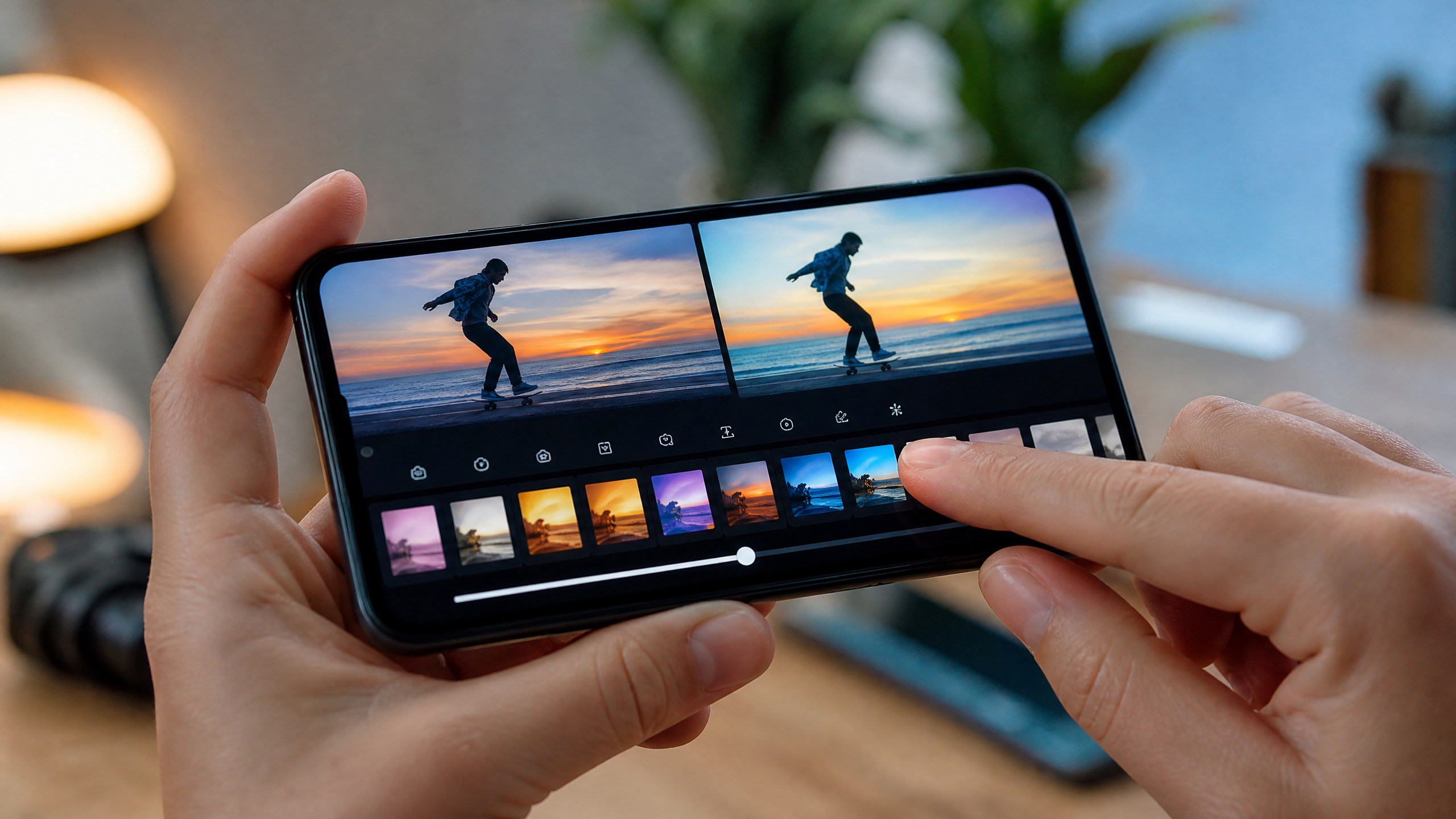
Free options like CapCut and VN are the best apps for TikTok edits if you want templates and captions at no cost. They deliver professional-grade features without recurring fees, making them ideal for hobbyists, micro-influencers, and bootstrapped startups. Watch for hidden friction: some free tiers cap export resolution at 720p, embed watermarks on every video, or limit music libraries to generic loops. Music licensing deserves special scrutiny. Many best editing apps for TikTok offer "free" tracks that are only cleared for personal use; commercial posts or brand partnerships require upgraded licenses.
Paid and Pro Editors
Paid tools add brand assets, team libraries, and advanced color grading—features that matter for the best TikTok editor for businesses. Adobe Premiere Rush at $9.99/month unlocks unlimited cloud storage and priority rendering. CapCut Pro (rolling out in select markets) removes export limits and adds exclusive effects. The ROI calculation is straightforward: if a subscription saves you two hours per week, that's 100+ hours annually—time you can redirect toward strategy, client work, or content creation. Choose the best TikTok video editor based on time saved, brand polish, and platform compliance rather than sticker price alone.
Workflow Tips for Faster TikTok Video Editing
Templates and Presets
Templates are the secret weapon of prolific creators. Using trending templates in the best apps to make edits for TikTok speeds up hooks and pacing by providing proven structures you can populate with fresh footage. Save custom presets for your most-used effects: if every video starts with a three-second logo reveal, build it once and import it with a single tap. Color presets (LUTs) ensure visual consistency across your feed, reinforcing brand recognition.
Captions and Sounds
Leverage auto-captions, then correct keywords to boost retention and search for TikTok video editing. TikTok indexes caption text, so fixing typos isn't just about polish—it's an SEO play. Sync cuts to beats with marker tools; many best video editing apps for TikTok offer auto beat sync that drops markers on every downbeat, letting you align cuts with rhythm effortlessly. This creates the punchy, music-driven pacing that performs well algorithmically.
Export Settings
Export in 1080x1920 resolution, the highest bitrate your app allows (aim for 20–24 Mbps), and correct loudness levels (-14 LUFS integrated is TikTok's recommendation). Save these profiles in your best TikTok editor so you're not re-configuring settings with every upload. Incorrect export settings degrade quality and hurt performance; TikTok's compression is already aggressive, so feeding it high-quality source files minimizes visible artifacts.
Buyer FAQs for TikTok Video Editors
Pricing Questions
What's the best app to edit TikToks for free without watermark?
VN and CapCut are top picks. VN exports clean with zero branding, while CapCut occasionally adds a small logo but lets you toggle it off in settings.
Device Compatibility
Is there a best TikTok editing app for both iOS and Android?
CapCut, InShot, and VN all support iOS and Android with feature parity. CapCut offers a Windows and macOS desktop version as well.
Monetization and Brand Safety
Which best TikTok editor supports brand fonts and LUTs?
Premiere Rush offers full brand-asset management. CapCut's desktop version lets you import custom fonts and LUTs, though the feature isn't yet available on mobile.
Do these best apps for editing TikToks include cleared music?
Each app's licensing differs. CapCut's music library is cleared for personal TikTok use but review terms for client work. InShot and VN offer stock tracks with similar restrictions. For commercial safety, license music separately or use TikTok's native sound library after uploading.
Choosing among the best TikTok video editing apps depends on your skill level, device ecosystem, and business model. CapCut delivers the broadest feature set for free, VN appeals to power users who need advanced timelines, InShot accelerates quick edits, and Premiere Rush solves brand-consistency challenges for teams. Match the tool to your workflow, lean into templates and automation, and your content output will climb while editing time drops.