AI TikTok Video Creation and TikTok Video Editing Guide
Os artigos são escritos em inglês.
Understanding AI TikTok Video Creation
TikTok moves fast. A trend that peaks on Monday can be irrelevant by Thursday, which means production speed is no longer a nice-to-have — it's a competitive requirement. AI has stepped in to close that gap, handling the mechanical parts of video production so creators and marketing teams can focus on strategy and storytelling.
How AI Powers Creation
Modern AI TikTok video maker platforms automate the tasks that once ate up hours of editing time. Scripting assistance pulls from trending audio, hashtags, and content patterns to suggest structures that perform. Auto-captioning transcribes speech in real time, syncs text to the spoken word, and even animates it for emphasis. Trimming tools scan raw footage for silences, filler words, and dead air, removing them without manual scrubbing. Effects and transitions are applied contextually — the platform reads the beat of a chosen track and suggests cuts that align to it.
Repurposing is another major unlock. An auto TikTok video maker can take a 45-minute webinar or a long YouTube video and extract 60-second highlight clips, resized to 9:16, in a fraction of the time a human editor would need. For brands running content across multiple channels, this single capability alone can reshape a production calendar.
Benefits for Creators and Brands
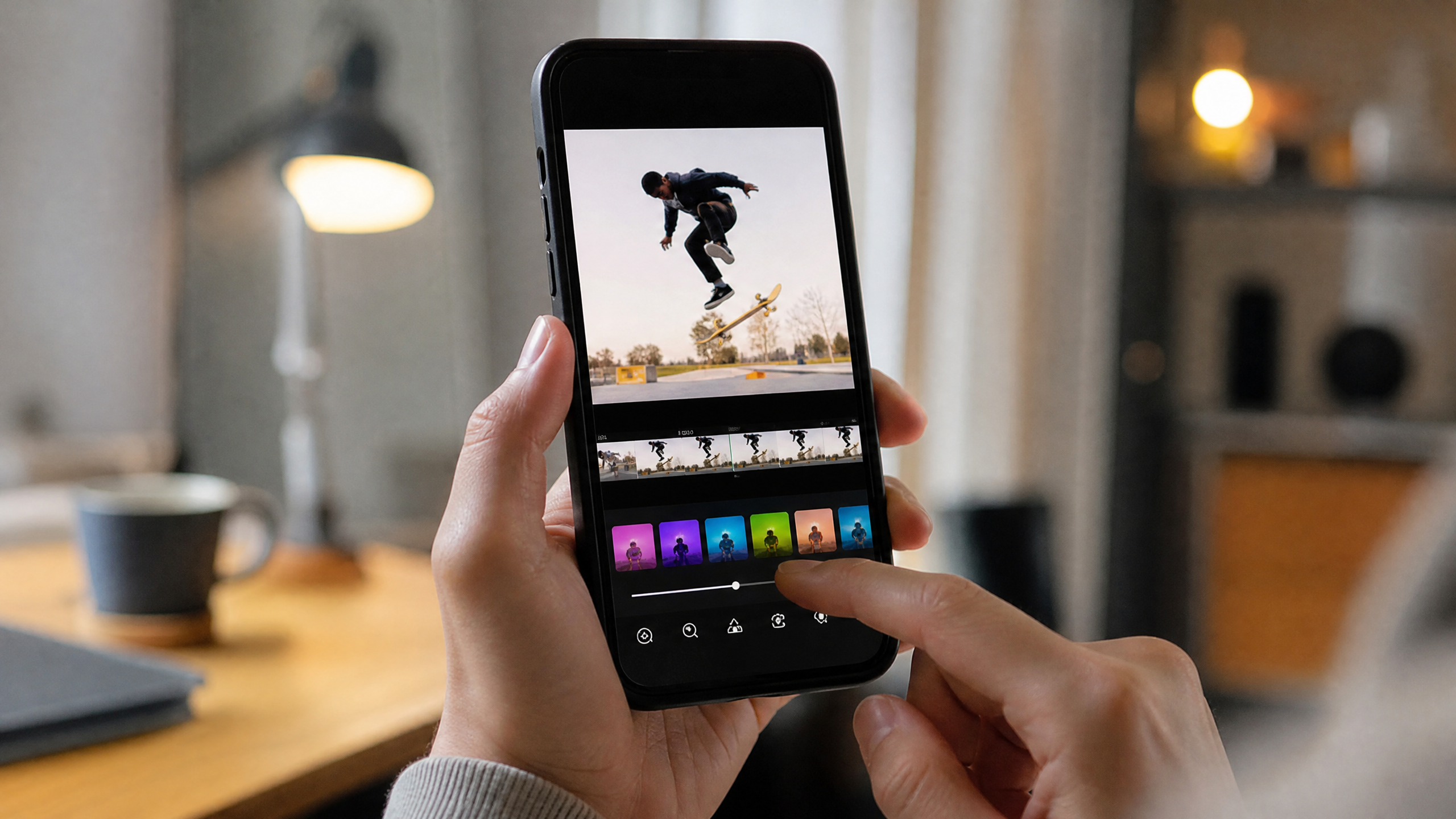
The TikTok auto edit workflow lowers the barrier significantly for teams without dedicated video editors. An easy TikTok video editor built on AI gives a social media coordinator the ability to produce polished content without After Effects experience. Templates, presets, and automated style guides enforce consistent branding — same fonts, same color palette, same lower-third placement — across every video, regardless of who made it.
For brands managing multiple campaigns, that consistency translates directly to audience trust and recognition.
Top AI TikTok Video Makers: Comparison Snapshot
Must-Have Features Checklist
Not all tools are equal, and the gap between a capable platform and a frustrating one often comes down to a handful of specific functions. When evaluating any ai tiktok video maker, the baseline feature set should include automatic cut detection, auto-captions with dialect support, and smart resizing that respects TikTok's safe zones — the areas of the frame that UI elements like captions and buttons won't obscure.
Music sync matters. A platform that can analyze a track's tempo and snap cuts to the beat will produce content that feels native to TikTok rather than imported from another format. Template libraries should be broad enough to cover different verticals — product demos, talking-head interviews, trending formats — and flexible enough to absorb your brand kit without looking like a generic export.
Where AI Adds Real Value
Built-in voiceover AI and text-to-speech let creators produce narration without recording equipment. Script assist tools suggest hooks, calls-to-action, and on-screen text based on what's working in a given niche. For teams producing at volume, these features compound: 10 minutes of AI-assisted scripting can replace 45 minutes of blank-page drafting.
Native TikTok ratio exports and direct publish integrations cut the final mile of friction. No downloading, reformatting, and re-uploading — the video goes from the editor to your TikTok drafts in a single click. For agencies managing client accounts, collaboration features, version history, and shared brand kits aren't optional extras; they're table stakes.
Choosing an Easy TikTok Video Editor: Buying Criteria
Solo Creators
If you're a solo creator or a small business owner producing content yourself, the buying decision comes down to speed, simplicity, and cost. Test any automatic tiktok video maker on real footage — not the clean demo clips the vendor provides. Run footage with jump cuts, background noise, and natural pauses through the tiktok auto edit engine and assess how accurately it handles trimming and captioning.
Caption accuracy across dialects is frequently undersold as a criterion. A tool that captions American English well but stumbles on regional accents or non-English languages will create rework, not savings. Check whether the platform applies watermarks on free or entry-level plans, and verify the resolution ceiling for exports — some tools cap free users at 720p, which is a problem for content you want to look sharp on larger screens.
Teams and Brands
For teams, the evaluation shifts toward workflow and integration. Does the platform connect to Google Drive or Dropbox for asset management? Does it integrate with TikTok's API for direct publishing and analytics pull? Can multiple editors work on the same project simultaneously without overwriting each other's changes?
Onboarding quality is worth scrutinizing. A platform with strong template libraries and responsive support will get a team to consistent output faster than one with a steeper learning curve, even if the latter has marginally more features. Prioritize ramp-up speed — the ROI from AI tools only materializes once your team is actually using them well.
Workflow: From Idea to Publish with an Auto TikTok Video Maker
Pre-Production
A strong TikTok video starts before the camera rolls. AI-assisted scripting tools can analyze current trends — trending sounds, popular formats, peak posting times in your niche — and use that data to inform a shot list and script structure. The goal isn't to let AI write your content wholesale; it's to give your creative instincts a data-backed starting point.
Edit and Enhance
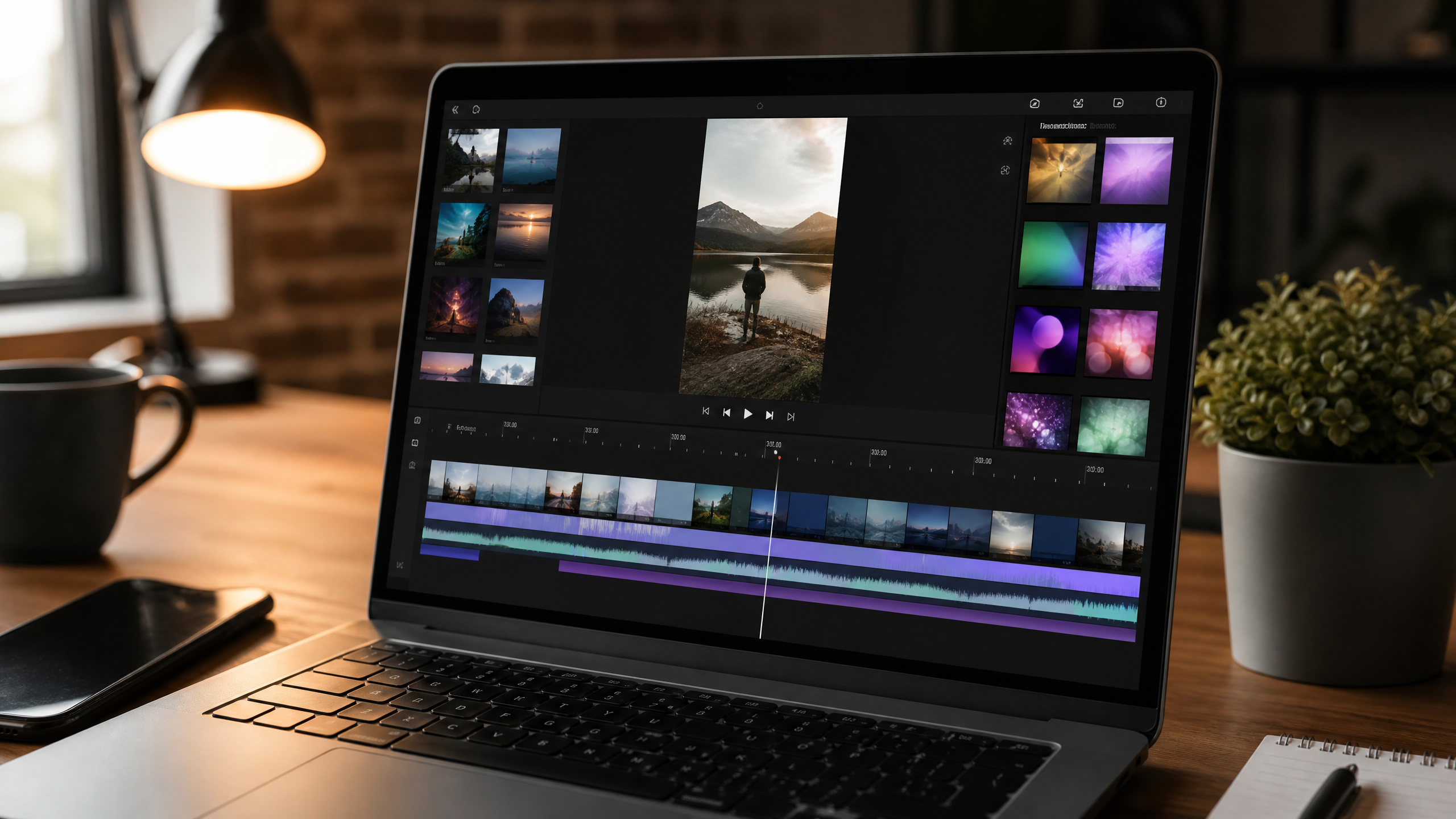
Once footage is in the platform, the automatic tiktok video maker takes over the mechanical work. Silences get trimmed, cuts align to the beat, and captions are generated and styled to match your brand kit. This is where easy TikTok video editor interfaces pay off — drag-and-drop timelines, one-click effect application, and AI-suggested B-roll keep the editing phase moving without requiring deep technical knowledge.
Transitions, branded lower thirds, and text overlays can be applied from templates, then customized. AI suggestions for hooks — the opening two seconds that determine whether someone swipes away — are worth taking seriously. Some platforms will generate three or four hook variations and let you preview which one pairs best with your thumbnail frame.
Optimize and Publish
Before export, run the platform's optimization checklist: 9:16 aspect ratio confirmed, safe zone margins respected, captions readable at mobile size. Many ai tiktok video maker tools now offer thumbnail selection, surfacing the frames with the highest predicted click-through based on face detection and visual contrast.
Schedule directly to TikTok from the platform if the integration supports it. Pairing that with a consistent posting cadence — enabled precisely because AI reduced production time — is where the compounding growth begins.
Pricing, Plans, and ROI
Common Pricing Models
Most platforms follow a freemium structure. Free tiers typically add watermarks and cap monthly exports at somewhere between 5 and 20 videos. Creator plans, usually priced between $15 and $30 per month, unlock HD exports and remove watermarks. Business and agency tiers — often $50 to $150 per month — add collaboration seats, brand kits, priority rendering, and analytics integrations.
Proving Value
The clearest way to justify the spend is to calculate time saved. If manual editing takes 3 hours per video and an AI-assisted workflow cuts that to 45 minutes, and your team produces 20 videos a month, that's 45 hours recovered. Price that against hourly labor costs and the math becomes straightforward.
Beyond time, track content performance: watch time, retention rate, and posting frequency before and after adopting the tool. Teams that go from 4 posts per month to 16 — because production friction dropped — often see organic reach increase proportionally.
FAQs and Next Steps
Common Questions
Can AI replace editors? Not meaningfully. AI accelerates the repetitive, mechanical parts of post-production — trimming, captioning, resizing. Creative direction, brand storytelling, and judgment calls about what actually resonates with an audience still require human expertise.
Will templates make videos look generic? Only if you use them out of the box. Customizing brand kits — uploading your typefaces, color palettes, and logo placement — differentiates your output. Templates provide structure; your brand provides identity.
Is data safe? This is a legitimate question, especially for brands uploading client footage or proprietary content. Look for SOC 2 Type II certification, end-to-end encryption, and role-based access controls before committing to any platform.
Getting Started
The lowest-risk path to evaluating any tiktok auto edit platform is a structured trial. Pick 3 to 5 representative videos — varying lengths, lighting conditions, and subject matter — and run them through the tool. Measure caption accuracy, cut quality, and export time. Benchmark those results against your current manual process, then make the call with actual data rather than demo reel impressions.
Haze Tech Solutions helps brands build scalable content systems that combine AI efficiency with strategic creative direction. If you're ready to accelerate your TikTok output without sacrificing quality, the right tool — and the right workflow — is closer than you think.