
Convert YouTube Shorts to MP3: Legal, Safe Options
Os artigos são escritos em inglês.
Convert YouTube Shorts to MP3: Legal, Safe Options
Audio content is everywhere, and YouTube Shorts has become one of the fastest-growing formats for short-form video. Naturally, people want the audio from those clips — for podcasts, reels, presentations, or personal projects. Search queries like youtube shorts mp3 download and yt shorts to mp3 spike daily, which tells you the demand is real. What most searchers don't realize is that the method they choose can land them in legal or security trouble fast.
This guide breaks down what's actually allowed, what isn't, and how to get the MP3 audio you need without risking your accounts, your data, or a copyright claim.
Understanding YouTube Shorts to MP3 Conversion
Converting a Short's audio to MP3 means extracting the sound track from a video and saving it as a standalone audio file. Common use cases include repurposing your own content, archiving music you licensed, or pulling voiceovers you recorded for a project. Those are legitimate goals.
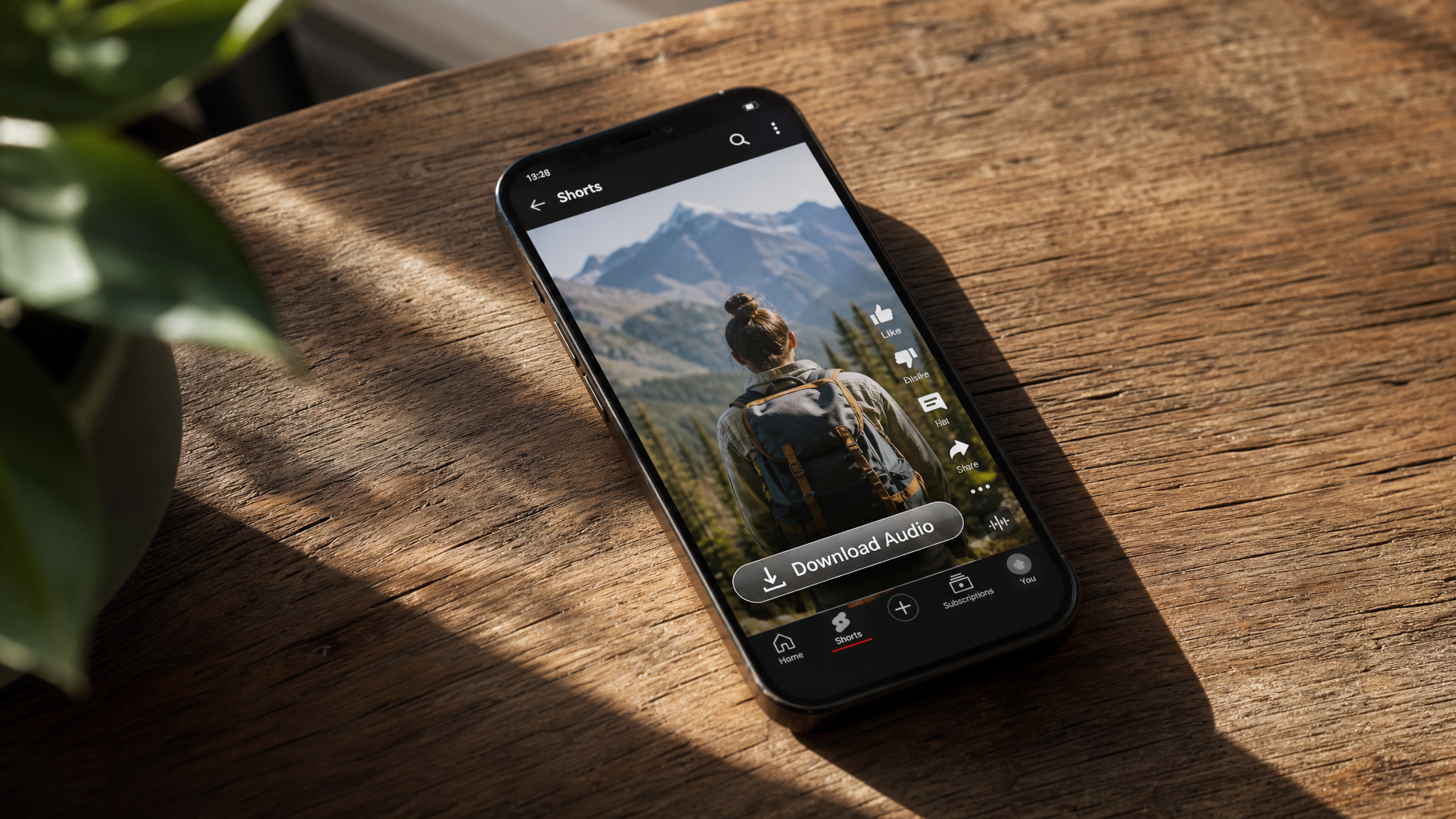
The problem is the method. YouTube's Terms of Service explicitly prohibit downloading content from the platform without prior written permission from YouTube or the relevant rights holders. Third-party sites that promise download youtube shorts to mp3 functionality in one click are almost always violating those terms — and often your trust. They capture the streaming data, which YouTube explicitly forbids. The legal and permission-based paths to getting MP3 audio from Shorts are narrower than most people expect, but they do exist.
Legal Basics: When Converting Shorts Audio Is Allowed
The clearest green light is when you own the content. If you uploaded the Short yourself, you retain the rights to your original recording. The same applies when you have explicit written permission from a creator, or when the audio track is properly licensed for the use you have in mind.
Public domain works and certain Creative Commons tracks can also be used legally, but the details matter. A CC BY license, for example, requires attribution. A CC BY-NC track can't be used commercially. Skipping the fine print isn't an option if you want to stay compliant. Always verify the specific license terms before treating any track as freely usable.
What to avoid: any tool or site marketing itself around download mp3 from youtube shorts queries that doesn't ask for proof of ownership or a license. If the site just takes a URL and spits out a file, it's almost certainly breaching YouTube's ToS. Beyond the legal exposure, many of these tools bundle adware, malware, or phishing attempts — risks that no audio file is worth.
Before acting on any youtube shorts download mp3 instinct, ask yourself three questions: Do I own this content? Do I have a valid license? Have I checked the platform's terms? If the answer to all three isn't yes, stop there.
Legit Ways to Get MP3 Audio Without Breaking Rules
Use Your Own Source Files
The cleanest solution is almost always the simplest one: go back to your original file. If you created the Short, you recorded or edited it somewhere before uploading — a phone camera roll, a desktop editing project, a DAW session. Export the audio directly from that source. You never need to touch the streaming player.
License Music You Can Legally Export
Stock music platforms like Artlist, Epidemic Sound, and Musicbed sell licenses that explicitly allow you to download MP3s and use them in your content. If your Short features a track from one of these services, log in to your account and download the file again from the library. That's a legitimate mp3 download from youtube shorts-adjacent scenario because the audio came from a licensed source, not a stream capture.
Explore Free, Rights-Cleared Libraries
YouTube's own Audio Library offers royalty-free tracks with clear licensing terms. The Free Music Archive hosts public domain and CC-licensed content. ccMixter is another solid resource. These libraries exist precisely so creators can get usable audio without resorting to unauthorized youtube shorts video download mp3 tools.
If none of these options fit your situation and you genuinely need a specific sound from someone else's Short, the right move is to contact the creator directly and ask for permission. Most creators are open to it, especially if you explain your use case.
How to Extract Audio From Videos You Own (General Steps)
Desktop Workflow
Open your original video file in a video editor — DaVinci Resolve, Adobe Premiere, iMovie, or even VLC — and export just the audio track. Most editors let you choose the output format during export; select MP3 or WAV. For settings, 192–320 kbps bitrate and 44.1 kHz sample rate give you broadcast-quality audio. If the file is for voice only, 128 kbps is sufficient and keeps file sizes manageable. Free tools like Audacity also work well for this: import the video file, then export as MP3 using the built-in encoder.
Mobile Workflow
On mobile, the approach is similar. Apps like CapCut, InShot, and Adobe Premiere Rush let you import a video from your camera roll and export audio separately. Once you have a WAV or AAC file, a free converter app can transcode it to MP3 at your chosen bitrate. The key throughout: you're working from your own local file, not capturing a stream. Never rely on mp3 download youtube shorts websites that ask only for a video URL.
Quality, Metadata, and Organization Best Practices
Bitrate selection matters more than people realize. Voice recordings — podcasts, voiceovers, narration — sound perfectly clean at 128 kbps. Music, on the other hand, benefits from 192 kbps at a minimum, and 320 kbps if you're archiving masters or distributing commercially. Going lower than 128 kbps on music introduces compression artifacts that are especially noticeable on headphones.
Normalize your audio before exporting. Most editors have a normalize or loudness-matching function that brings levels to a consistent target, typically around -14 LUFS for streaming platforms. Avoid clipping — any peaks above 0 dBFS create distortion that can't be fixed after the fact.
ID3 tags are often overlooked but make a real difference when you're managing a library of files. Add the title, artist or creator name, project, and cover art directly in the file's metadata. Tools like MP3Tag (Windows) or Kid3 (cross-platform) handle this quickly. Pair that with a clear folder structure — organized by project, date, or license type — and tracking permissions becomes straightforward instead of chaotic.
Safety, Compliance, and FAQs
Are tools that advertise instant mp3 download youtube shorts conversions safe? Generally, no. Many bundle browser hijackers or worse. Even when they don't, using them violates YouTube's Terms, which can result in account suspension or legal notices.
What if I really need audio from someone else's Short? Reach out to the creator. Explain the project and how you plan to use the audio. Get permission in writing — email is fine. Keep that record with your project files.
What are the alternatives to searching for download youtube shorts mp3? Licensed stems from platforms like Splice let you download individual audio layers legally. Hiring a session musician to recreate a sound you heard is another route. For ambient or sound-design elements, libraries like Freesound.org offer thousands of CC-licensed recordings.
How do I stay compliant long-term? Keep a permissions log. For every piece of audio you use that didn't come from your own recording, store a copy of the license agreement or written permission alongside your project files. If you purchased a stock license, save the download receipt. This protects you if a rights dispute arises months later.
The demand behind searches like youtube shorts mp3 download is understandable — audio is valuable, and short-form video has made a lot of it accessible. But accessible and legally free are not the same thing. Stick to your own source files, licensed tracks, and rights-cleared libraries, and you'll never need to take shortcuts that put your work — or your accounts — at risk.