
Best Aspect Ratios for Short-Form Video: The Complete Guide
Best Aspect Ratios for Short-Form Video: The Complete Guide
What Is Aspect Ratio in Short-Form Video?
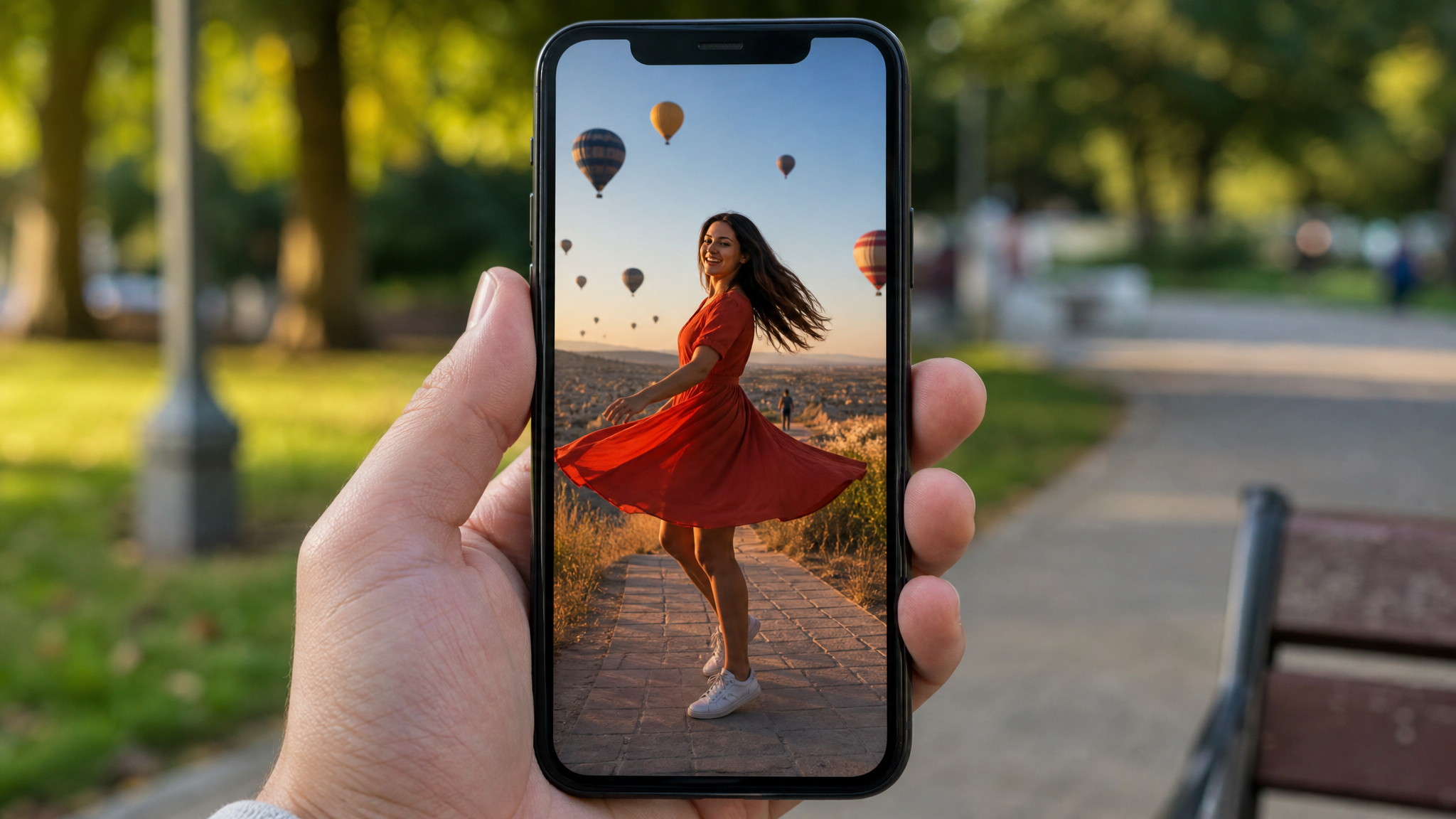
Aspect ratio describes the proportional relationship between a video frame's width and its height. A 9:16 ratio, for example, means the frame is 9 units wide for every 16 units tall — the familiar tall, narrow shape you see on every phone screen. That shape matters more than most marketers realize.
Short-form platforms are built around vertical video size because the overwhelming majority of viewers never rotate their phones. When someone opens TikTok on their lunch break or scrolls Reels before bed, the phone stays upright. Platforms that want maximum watch time design their feeds accordingly, which is why vertical formats dominate the algorithm.
The ratios you'll encounter most often are 9:16 (tall vertical), 1:1 (square), 4:5 (portrait, common on Instagram feeds), and 16:9 (the classic widescreen format still used on YouTube's main feed and most desktop content). Resolution lives inside these ratios — it's the pixel count that determines sharpness. A 9:16 video at 1080×1920 is Full HD; push it to 2160×3840 and you're in 4K territory. The ratio sets the shape; resolution fills it with detail.
The Best Aspect Ratio for Short-Form Video Right Now
The answer is 9:16, and it isn't particularly close. TikTok, Instagram Reels, and YouTube Shorts all prioritize this format at the algorithm and interface level. Uploading anything else typically means black bars, cropped edges, or reduced reach — none of which help performance.
For resolution, target 1080×1920 as your baseline. It's universally accepted, renders cleanly on most devices, and keeps file sizes manageable. If your production pipeline supports it, 2160×3840 (4K) gives the platform's compression engine more to work with, which can translate to a crisper final output after encoding.
One detail that trips up even experienced creators: safe zones. Each platform overlays UI elements — profile names, like buttons, caption boxes, share icons — directly on top of your video. Anything important placed in those corners or along the bottom edge will get buried. Keep faces, key text, and critical visual moments away from the outer 10–15% of the frame on all sides.
The simplest way to protect quality and composition? Shoot natively vertical from the start. Rotating a horizontal clip and cropping it to 9:16 video always involves a quality trade-off. Starting vertical means you're composing for the final output rather than retrofitting it.
Platform Specs and Upload Dimensions
TikTok Aspect Ratio & Size
The TikTok aspect ratio is 9:16, and the platform is built around it. Upload dimensions of 1080×1920 hit the sweet spot. TikTok actively deprioritizes horizontal videos in its recommendation engine, so vertical is table stakes here, not a preference. For bitrate, aim for at least 8 Mbps using H.264 or H.265 encoding — TikTok re-encodes everything on its end, but starting with a high-quality source file gives the algorithm better material to compress.
Instagram Reels Dimensions
Reels dimensions follow the same 1080×1920 canvas as TikTok, but there's a catch: Instagram crops the in-feed preview to roughly 4:5 (1080×1350). A viewer scrolling the main grid sees that cropped version first. If your hook or key visual is packed into the top or bottom of the frame, it may not appear in the preview at all. Design with both the full 9:16 canvas and the 4:5 crop in mind simultaneously. The safe center of the frame should carry the weight of the opening.
YouTube Shorts Requirements
YouTube Shorts prefers 9:16 at 1080×1920, but the platform's technical requirement is technically met by any video where the width-to-height ratio is less than 1 — meaning the height must exceed the width. That flexibility aside, stick with 9:16. It fills the Shorts player edge-to-edge, which keeps viewers immersed rather than staring at gray sidebars. Across all three platforms, prioritize crisp captions; burned-in subtitles at a minimum of 48–60 pixels tall read clearly on small screens without requiring viewers to squint.
Framing, Composition, and Safe Zones for 9:16
Subject Placement
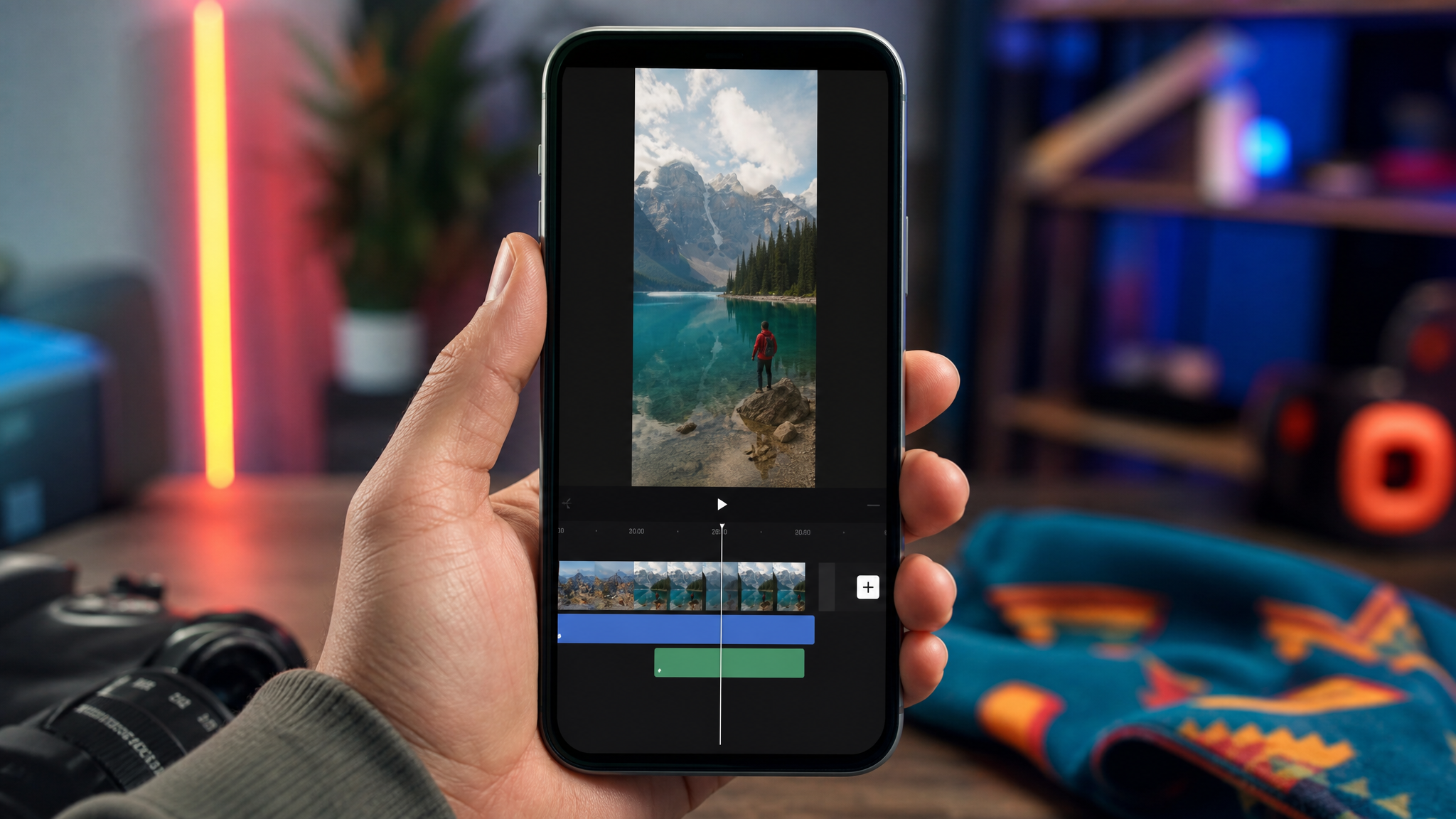
Vertical video inverts the compositional instincts built around 16:9. In a 9:16 frame, you have vertical space to work with, so use it deliberately. Position your subject's eyes in the upper third of the frame rather than dead center. This leaves room for lower-third text and captions while maintaining natural headroom above the subject. It also prevents the face from being obscured by the platform's persistent UI overlays along the bottom edge.
Text and Graphics
Keep all text and motion graphics within the central 80% of the frame — roughly 864×1536 pixels on a 1080×1920 canvas. TikTok's interaction buttons and Reels' share icons eat into the right side of the frame especially, so right-aligned text is a risk. Lower-third captions need to be legible at arm's length on a 6-inch screen, which means a rendered font size of at least 48–60 pixels and enough contrast to read against variable backgrounds. White text with a thin dark outline or semi-transparent box handles most backgrounds reliably.
Multi-Platform Crops
If you're distributing the same video across TikTok, Reels, and a standard Instagram feed post, plan for 4:5 and 1:1 crops before you shoot. Leave breathing room on the left and right edges of your vertical frame. A subject pressed against one side of a 9:16 shot will look awkwardly off-balance in a 1:1 crop. Centering key elements laterally makes the same footage work across multiple placements without reshooting.
Shooting and Editing Workflow for Vertical Content
Capture Settings
The cleanest vertical footage starts at capture. Rotate your camera to portrait orientation, or use a smartphone with its standard vertical framing. If you're shooting on a mirrorless or DSLR, many now offer vertical video modes natively, which bakes the correct metadata into the file. Lock exposure and white balance manually when possible — auto adjustments mid-clip create inconsistency that's difficult to correct in post.
Frame rate choices matter, too. Shoot at 24 fps for a cinematic look, or 30–60 fps if you want smooth motion or plan to use slow-motion segments. Avoid variable frame rate (VFR) recordings, which some smartphones default to — VFR can cause sync issues during editing and export problems on certain platforms.
Edit and Export
Build your editing sequence at 1080×1920 or 2160×3840 from the start. When working with 16:9 source material — say, existing brand footage or B-roll shot horizontally — use smart reframing tools available in Premiere Pro, DaVinci Resolve, and CapCut to intelligently track and crop the subject into a vertical frame. It's not perfect, but it beats static letterboxing in short-form feeds.
For export, H.264 High Profile with AAC audio remains the most universally compatible codec combination. Most platforms have published presets; use them. TikTok and Reels both have specific upload guidelines that, when followed, reduce the amount of re-encoding the platform applies to your file — meaning better final quality.
Captions and Subtitles
Burned-in captions consistently outperform videos that rely on platform auto-captions. Viewers often watch without sound, and visible subtitles signal accessibility and professionalism. Keep them short per line, position them in the lower-center safe zone, and maintain consistent styling throughout the clip.
When to Use Other Ratios: 1:1, 4:5, and 16:9 Repurposing
Square and 4:5 for Feeds
9:16 dominates Stories and Shorts players, but 1:1 and 4:5 formats still perform in standard feed placements. A 4:5 video takes up more vertical real estate in a scrolling feed than a 16:9 clip — more screen space often translates to more attention. For Instagram grid posts and Facebook feed videos, 4:5 is frequently the stronger choice over square, though both outperform 16:9 in mobile-first environments.
Repurposing 16:9
Legacy footage, webinar recordings, or YouTube-first content can be repurposed for short-form with smart cropping. The key is avoiding heavy letterboxing — the wide black bars that appear when a 16:9 clip sits inside a 9:16 frame without cropping. Those bars signal "recycled content" and hurt retention. Smart crop or punch in on the most relevant subject area instead.
Ads and Thumbnails
For paid placements, always match the spec to the placement. Test 9:16 against 4:5 rather than assuming one wins — ad objectives, audience demographics, and creative style all influence which format converts better. For thumbnails and cover frames, design with multiple crop ratios in mind: keep faces and the core message hook centered so the image works whether it's displayed at 9:16, 4:5, or 1:1.
Getting aspect ratio right is one of the fastest technical improvements a brand can make to its short-form performance. The right format, combined with deliberate composition and clean export settings, removes friction between your content and the viewer — and that's where measurable results begin.