
How to Turn Long Videos into Short Clips: A Complete Guide
Les articles sont rédigés en anglais.
How to Turn Long Videos into Short Clips: A Complete Guide
Long-form video is one of the richest assets a brand can produce — but most of it gets watched once and shelved. A 60-minute webinar might reach a few hundred registrants. The same content, broken into sharp 30-second clips, can reach tens of thousands across TikTok, Instagram Reels, and YouTube Shorts. The math is simple. The execution takes a system.
This guide walks through every stage of that system, from identifying the moments worth clipping to publishing at scale.
What Is Short-Form Video and Why Repurpose Long Content?
Definitions and Benefits
Short-form video typically runs between 15 and 90 seconds. It's built for fast consumption — someone scrolling a feed, waiting for coffee, or deciding in three seconds whether to keep watching. Platforms like TikTok, Instagram Reels, and YouTube Shorts have made this format the default discovery mechanism for new audiences.
The case for repurposing is financial as much as strategic. A single webinar, podcast episode, or livestream already cost time, preparation, and production resources. Clipping that content multiplies its return without starting from scratch. One long-form asset can yield 10 to 20 short clips, each targeting a different angle, question, or audience segment. That's not recycling — it's leverage.
Search Intent and Use Cases
People searching for how to turn long videos into short clips usually have a specific problem: they've recorded something valuable and don't know how to make it work across platforms. The answer isn't just technical. It starts with understanding what makes a clip worth watching in the first place.
Common source assets include webinars, podcast recordings, product demos, conference talks, and interview series. Each format contains dozens of self-contained moments — a surprising stat, a customer story, a clear answer to a common objection. A solid short form video strategy treats the long-form recording as raw material, not the finished product.
Planning: Identify High-Impact Moments to Clip
Content Audit
Before you open an editing tool, watch the video with fresh eyes or run a transcript. Look for moments that work standalone — where the speaker makes a distinct point, tells a short story, or answers a question someone would actually search. Flag emotional peaks, quotable lines, and any segment where the energy shifts noticeably.
A useful scoring method: tag each segment by clarity (does this make sense without context?), value (does it teach, entertain, or provoke?), and length (can it land in under 60 seconds?). Segments that score high on all three are your primary clips.
Hook Discovery
The first three to five seconds determine everything. If the hook doesn't grab attention, the rest doesn't matter. Search for moments in the transcript where the speaker leads with a bold claim, an unexpected number, or a direct question. Lines like "Most brands waste 80% of their video budget" or "Here's why your content isn't converting" make strong openers because they create immediate tension.
Timestamps are your best friend here. Mark every promising hook with a timestamp before you touch the timeline.
Narrative Mapping
The best clips have structure: setup, value, payoff. Even at 30 seconds, a clip should feel complete. Extract micro-stories — moments where a speaker describes a problem, explains the insight, and lands on a takeaway. These self-contained segments are far more shareable than orphaned statistics or mid-thought soundbites.
Prioritize segments that answer questions your audience is already asking. If your long-form content covers a topic with real search volume, those specific moments become discovery tools on their own.
Editing Workflow and Tools for Fast Clip Creation
Transcription and Scripting
Auto-transcription tools like Descript, Riverside, or Otter.ai can process an hour of footage in minutes. Once you have a transcript, locating soundbites becomes a text search problem rather than a scrubbing problem. Highlight your flagged segments directly in the transcript, then use on-screen text to reinforce key points for viewers watching without sound.
Cutting and Pacing
Tighten ruthlessly. Remove filler words, long pauses, and any moment where the speaker restates what they just said. Jump cuts are not just acceptable in short-form — they're expected. Pacing should sit around 160 to 200 words per minute to feel energetic without becoming frantic.
Watch your rough cut back on a phone before exporting. If you reach for another tab before the clip ends, something needs to be cut or reordered.
Branding and Captions
Every clip should carry brand identity: a logo bug in a consistent corner, color bars or borders that match your palette, and motion captions synced to speech. Captions aren't optional — they're how a significant portion of your audience consumes content. Tools like Captions.ai or CapCut's auto-caption feature handle this quickly.
Build export presets for each aspect ratio so batch processing takes minutes rather than hours. A single clip master can output to 9:16, 1:1, and 16:9 without rebuilding the edit from scratch.
Format Specs and Visuals by Platform
Aspect Ratios and Lengths
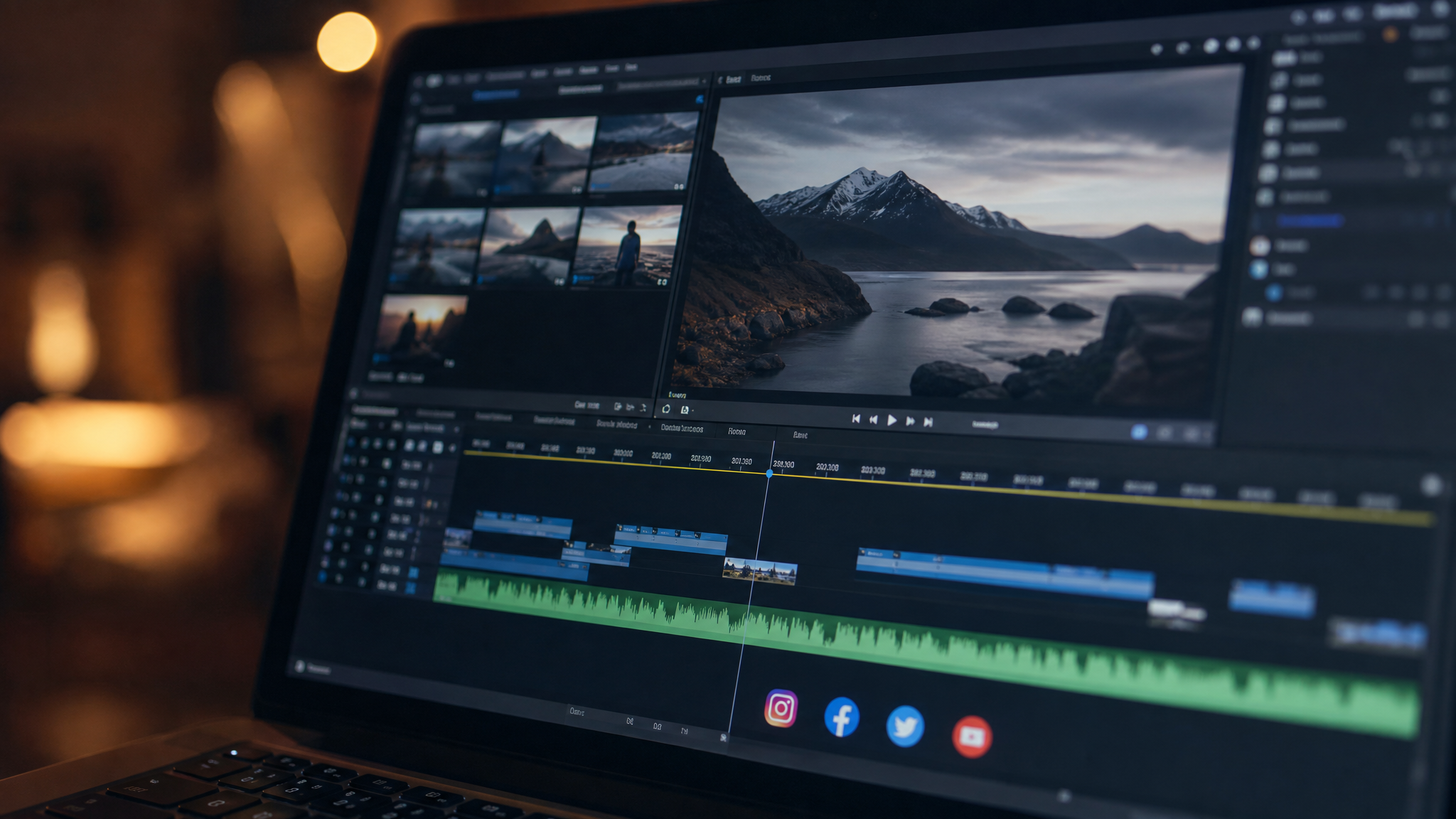
Platform requirements are specific. TikTok, Instagram Reels, and YouTube Shorts all favor 9:16 vertical video. Square 1:1 works well for LinkedIn and Facebook feeds. Horizontal 16:9 remains standard for YouTube long-form or embedded web content.
On length: 15 to 30 seconds performs best for discovery and new audiences. Clips up to 60 seconds can support more depth, but only when retention data shows viewers are actually staying. Don't stretch a clip to 60 seconds just because the platform allows it.
Audio, Captions, Thumbnails
Normalize loudness to broadcast standards — background music should sit under -20 LUFS so it doesn't compete with speech. Burned-in captions (baked into the video file) travel with the clip regardless of platform autoplay settings.
Thumbnails need to work at thumbnail size. High contrast, minimal text, and a face or focal point within the first frame tend to outperform busy graphics. Design them at 1280×720 and check how they render at 200 pixels wide.
Accessibility
Subtitles serve accessibility and reach simultaneously. Viewers in noisy environments, non-native speakers, and people with hearing differences all benefit from clear on-screen text. High-contrast subtitle styling — white text with a dark stroke or background — reads clearly across different video backgrounds.
Optimize Clips for Reach, SEO, and Virality
Hooks and CTAs
An outcome-driven hook answers the viewer's implicit question: "What's in this for me?" Lead with the result, the tension, or the counterintuitive angle. End each clip with a clear next step — follow for part two, comment with your answer, or watch the full breakdown via the link in bio. Strong CTAs extend watch sessions and signal engagement to platform algorithms.
Metadata and Keywords
Titles, captions, and hashtags all carry indexing weight. Use the primary phrase how to turn long videos into short clips in at least one caption or title. Weave in related terms — repurpose video content, create viral clips, and short form video strategy — where they fit naturally. Don't force them into every post, but don't ignore them either.
A/B Testing
Test one variable at a time: the opening frame, the caption hook, or the thumbnail. Most platforms surface early engagement data within 24 to 48 hours. Use that signal to decide which version to amplify and which to retire. Watch time and saves are stronger quality signals than raw view counts.
Publishing, Scheduling, and Repurposing at Scale
Content Calendar
Map each long-form asset to a sequence of clips and assign them to specific posting dates. A weekly calendar might dedicate Monday to an educational clip from a recent webinar, Wednesday to a testimonial soundbite, and Friday to a behind-the-scenes or opinion moment. Sequence matters — clips can reference each other and build audience habit.
Cross-Posting and Automation
Post natively to each platform rather than relying on cross-posting tools that compress quality or flag repurposed content. Attach UTM parameters to any linked content so you can trace traffic back to specific clips. Scheduling tools like Later or Buffer handle queuing across platforms without sacrificing native upload quality.
Measure and Iterate
Track three-second view rate (are people stopping?), retention curves (where do they drop off?), and saves (are they returning to this?). These metrics reveal what's working at the clip level and what to prioritize in the next production round.
Document your findings in a playbook — a living template library that captures what hook formats, caption styles, and clip structures perform best for your audience. That playbook compounds over time, making every future batch faster and more effective than the last.