
TikTok Video Editing Tools and Clip Makers: The Complete Buyer’s Guide
Los artículos están escritos en inglés.
What to Look for in a TikTok Video Editing Tool
Choosing the right tool starts with knowing what TikTok actually demands from your footage. The platform runs on vertical video, so any serious tiktok video editing workflow needs native 9:16 support, auto captions, and beat-synced cuts baked in — not bolted on as an afterthought.
Core Features for TikTok
Export quality matters more than most creators realize. Look for tools that output high-bitrate vertical video with visible safe zones so text and stickers never get clipped by the interface. A capable tiktok clip editor should handle templates, trending sound libraries, and layered effects without requiring you to hunt through menus.
Workflow and Speed
Speed kills — in a good way. The faster you can move from raw footage to a finished post, the more you can test. Evaluate device support early: some editors shine on iOS but feel clunky on Android, while web-based tools require a stable connection to stay smooth.
Pricing and Support
Read the fine print on customer support tiers before you pay. A 48-hour email response window is painful when you're on a deadline. Match the learning curve to your team's skill level, and confirm that help documentation exists for the specific features you'll use daily.
Top TikTok Edit Makers and Clip Editors Compared
The market splits cleanly into mobile apps, desktop software, and browser-based tools — and each category suits a different workflow.
Mobile Apps to Make TikTok Edits
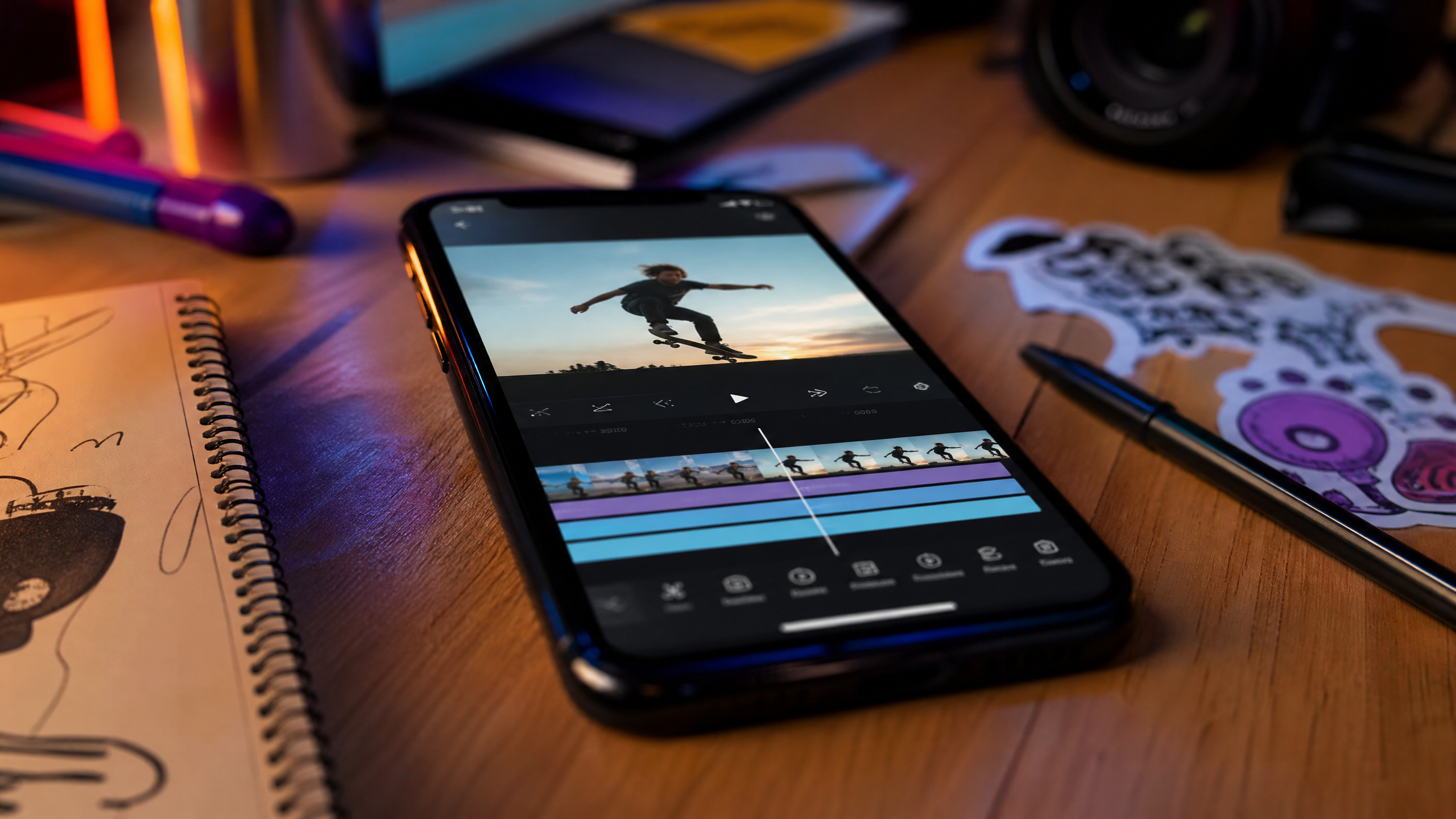
Apps to make tiktok edits on your phone — CapCut, InShot, and VN among them — compete hard on one-tap effects and smart cuts. CapCut's auto-caption speed and beat detection are genuinely impressive for a free product. When comparing a tiktok edit maker on iOS versus Android, check frame rate consistency; some apps drop to 30fps on older Android hardware even when you request 60fps.
Desktop and Web Clip Editors
Desktop tools like Adobe Premiere Pro and DaVinci Resolve give you multi-track timelines and deep color grading, but they're overkill for most short-form creators. Web clip editors — Canva, Clipchamp, and Descript — hit a practical middle ground: accessible anywhere, stocked with templates, and fast enough for daily posting schedules. A solid clip editor for tiktok at this tier includes stock footage, royalty-free music, and collaborative review links.
Free vs Paid Tiers
Free plans almost always add a watermark. On most platforms a one-time monthly fee between $8 and $20 removes it and unlocks batch export. If you post more than 10 videos a month, the math on a paid plan works in your favor fast. Check whether the tiktok clip maker includes brand kit access at the entry paid tier or locks it behind a higher plan.
Step by Step to Create Videos for TikTok Edits with Any App
Plan Your Clip
Write a hook before you touch the timeline. The first two seconds decide whether a viewer scrolls or stays, so script that beat explicitly. Map out three to five content beats on paper — even a napkin sketch works — so your editing session has direction rather than drift.
Edit and Optimize
Import footage, strip silence immediately, and align cuts to the music. Most modern apps detect beats automatically; let that feature do the heavy lifting. A well-edited tiktok clip editor session means trimming dead air first, then building rhythm, then layering captions and stickers. Cover frames deserve five minutes of attention — the thumbnail drives click-through from the For You page grid.
Export and Post
Export at 1080×1920 resolution with a high bitrate — aim for at least 8 Mbps. Upload natively through the TikTok app rather than third-party schedulers when possible, since the algorithm treats native uploads slightly more favorably. Pair your video with three to five targeted hashtags and a CTA in the caption that tells viewers exactly what to do next.
Features That Boost Performance in a TikTok Clip Maker
Templates and Auto Captions
Auto subtitles are no longer a luxury. Research consistently shows captions lift retention and reach, particularly because a large share of TikTok users watch on mute. Choose a tiktok clip maker with subtitle accuracy above 90% out of the box — editing 40 caption errors per video eats time you don't have. Templates speed up production for recurring content series, and storing brand colors and fonts as presets in your edit maker for tiktok cuts setup time to near zero.
Smart Cuts and Clip Syncing
Beat detection and AI highlight extraction are where modern tools genuinely separate themselves. Silence removal alone can cut editing time on a three-minute raw clip by 30 to 40 percent. When your tiktok video editing workflow syncs cuts to music automatically, you spend creative energy on hooks and storytelling rather than manual trim points. Save those synced sequences as reusable presets so future edits start from a strong baseline.
Pricing, Plans, and Bundles for Creators and Teams
Solo Creator Value
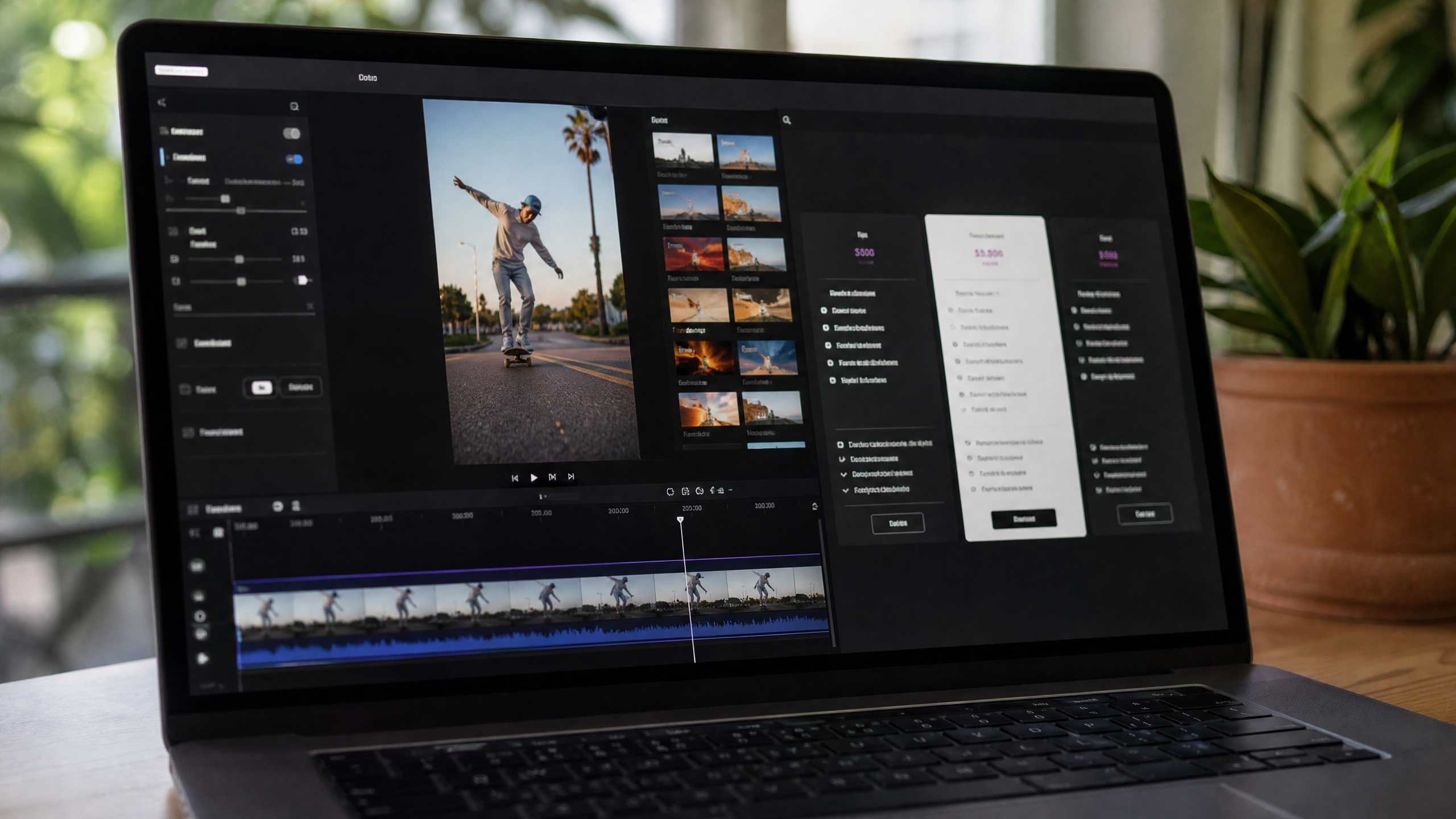
For individual creators, the calculation is simple: match the plan's export limit and cloud storage to your actual posting volume. Paying for 100 exports a month when you post 15 times is waste. Annual billing typically saves 20 to 30 percent versus monthly, and seasonal sales around Q4 can push that higher. Confirm that music licensing on your chosen clip editor for tiktok covers commercial use — some royalty-free libraries restrict monetized accounts.
Team Collaboration
Small teams need shared asset libraries, role-based permissions, and a brand kit everyone can access without overwriting each other's work. Tools like CapCut for Teams and Canva for Teams handle this reasonably well at price points under $30 per seat per month. Verify font licensing separately; many editors bundle display fonts that aren't cleared for commercial video without an additional license purchase.
Buying Checklist and Decision Matrix
Must Haves vs Nice to Haves
Must haves for any serious tiktok clip editor purchase: native 9:16 export, automatic caption generation, intuitive trim controls to edit clips for tiktok quickly, and watermark-free output on paid plans.
Nice to haves include AI cut detection, auto-reframing for repurposing content across platforms, motion graphics templates, and green screen support. These features add value but shouldn't override a weak foundation in the basics.
Trial and Test Plan
Run a structured seven-day test across two competing tools. Create three videos for tiktok edits in each app — ideally the same scripts so you're isolating the tool variable. Score each tiktok edit maker across three dimensions: production speed (time from import to export), output quality (bitrate, color accuracy, caption accuracy), and cost relative to the features you actually used. The winner earns your subscription; the runner-up stays on your radar for when pricing or features shift.
FAQs About TikTok Clip Editors and Edit Makers
What devices do leading tiktok video editing apps support? Most top tools — CapCut, InShot, Canva — cover iOS, Android, and web. DaVinci Resolve runs on Mac, Windows, and Linux but has no mobile counterpart.
Do free plans add watermarks? Yes, almost universally. Upgrading to any paid tier on most platforms removes them permanently.
Which tiktok edit maker includes royalty-free music for commercial posts? CapCut, Canva, and Epidemic Sound integrations all offer commercial-use libraries, but read the specific license per track before publishing a monetized video.
Can I move projects between desktop and mobile? Tools with cloud sync — CapCut, Adobe Express, Canva — allow this cleanly. Native desktop apps like Premiere Pro do not sync to a mobile counterpart.
Which apps to make tiktok edits offer analytics overlays? TikTok Studio (native) provides the deepest analytics. Third-party apps rarely include A/B thumbnail testing; that feature currently lives mostly in TikTok's own creator tools.