
How to Create YouTube Shorts: A Complete Guide
Les articles sont rédigés en anglais.
How to Create YouTube Shorts: A Complete Guide
YouTube Shorts crossed 70 billion daily views in 2023. That number alone tells you where attention is going. If you're not publishing short-form vertical video, you're leaving discovery on the table — and handing it to competitors who are.
This guide covers everything from specs and setup to recording, editing, repurposing, and measuring results. Whether you're working from your phone or a desktop, you'll walk away knowing exactly how to create YouTube Shorts that grow your channel.
What Are YouTube Shorts and Why They Matter
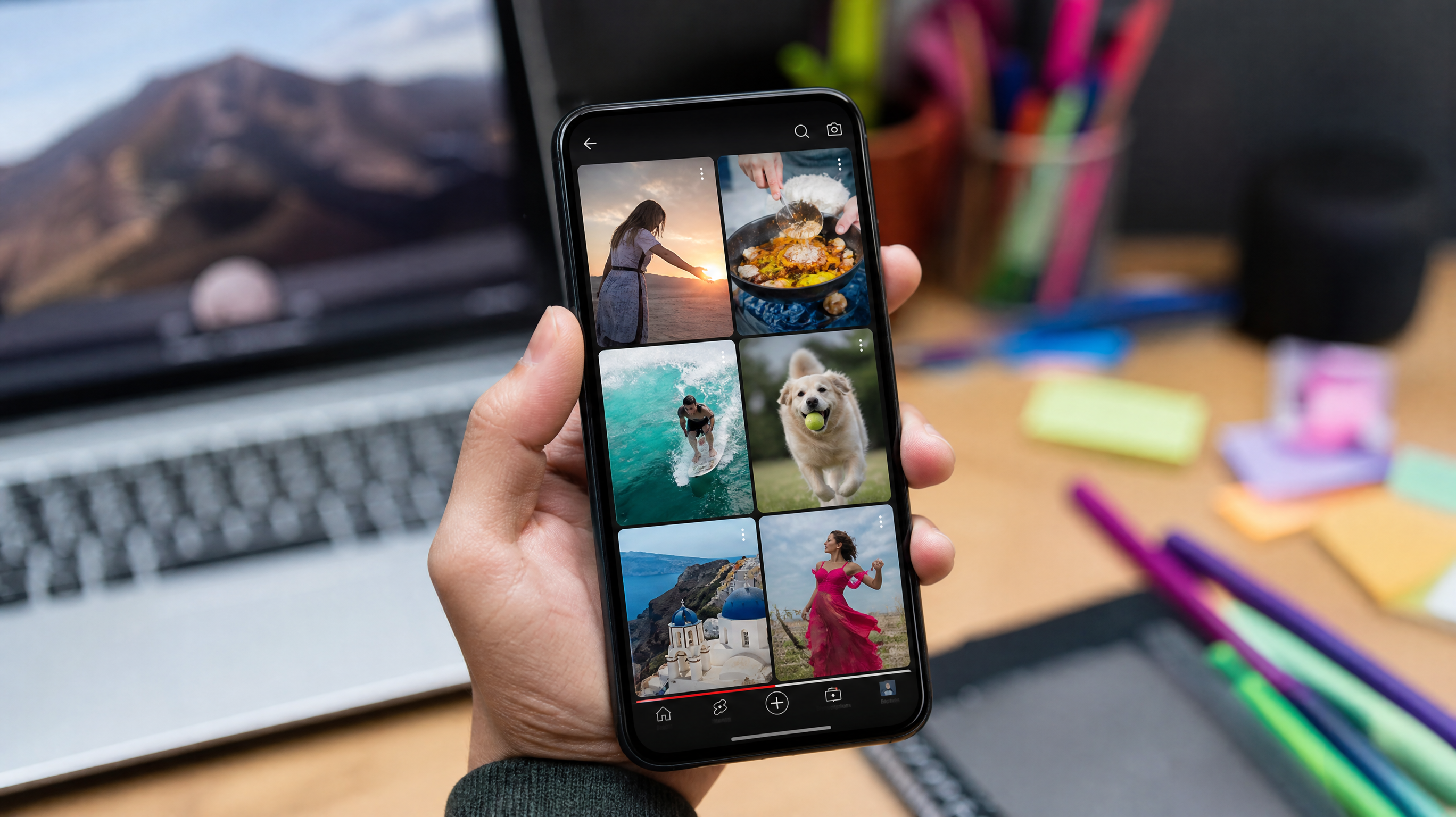
YouTube Shorts are vertical videos capped at 60 seconds. They surface in three places: the dedicated Shorts shelf, the Home feed, and your channel page. That multi-surface distribution means a single Short can reach both existing subscribers and people who've never heard of your brand.
The format works especially well for quick tutorials, trending audio clips, product teasers, and fast tips. But its most strategic value is the bridge it builds — a viewer watches a 45-second Short, wants more context, and clicks through to your long-form video or hits Subscribe. That conversion path is why Shorts deserves a permanent spot in your content calendar.
One quick distinction worth knowing: Shorts are not the same as YouTube Stories. Stories disappeared from YouTube in 2023. Shorts are persistent, indexed, and algorithmically distributed — a fundamentally different beast built for long-term reach.
Requirements and Specs for YouTube Shorts
Getting the specs right before you shoot saves you from re-editing or losing quality at upload.
Format and Length
Shoot or export at 9:16 aspect ratio. The recommended resolution is 1080x1920 pixels, though YouTube also accepts 1920x1080 rotated to vertical. Keep duration between 1 and 60 seconds. Use .mp4 or .mov containers, target 30–60 fps, and export with H.264 encoding at a high bitrate to preserve sharpness on mobile screens.
When creating YouTube Shorts, think carefully about safe zones. YouTube's UI overlays — the like button, the title, the channel name — stack along the bottom and right side of the screen. Keep critical text and faces toward the center to avoid getting cropped by the interface.
Quality and Audio
Audio clarity matters more in Shorts than in long-form because viewers make a keep-or-scroll decision within the first two seconds. Record in a quiet space or use a clip-on mic. For background music, stick to YouTube's royalty-free audio library or properly licensed tracks. Copyright claims on a 30-second video can mute the whole thing, killing engagement instantly.
Account Basics
Your channel doesn't need a minimum subscriber count to publish Shorts, but you should have channel verification enabled and your audience setting configured correctly. Marking content as "Made for Kids" when it isn't — or failing to mark it when it is — affects both monetization eligibility and how YouTube distributes the video. Add #Shorts to the title or description to reinforce algorithmic surfacing, though YouTube's system can now detect vertical short-form video without the tag.
How to Make a YouTube Short on Mobile
The YouTube app is the fastest route when a trend breaks and you need to publish in minutes.
Record a Short
Open the app, tap the + button, and select Create a Short. You'll see options to record in 15-second or 60-second mode. Use the timer for hands-free recording and adjust speed settings — slow motion works well for demonstrations, while 2x speed can make process videos snappier. If a take isn't working, retake immediately without leaving the editor.
Edit and Enhance
Once your clips are recorded, the in-app editor lets you trim, reorder, and align cuts to the beat of your chosen audio track. Add text overlays with timed appearances, drop in auto-generated captions, and use the green screen feature for visual variety. Captions aren't just an accessibility feature — a significant portion of Shorts are watched without sound, so on-screen text keeps those viewers engaged.
Add Details and Publish
This step is where many creators rush and lose SEO value. Write a clear, specific title. Include your primary topic naturally — something along the lines of "How to make a Short on YouTube in under 60 seconds" performs better than a vague label. Add #Shorts, set your audience, choose visibility (public, unlisted, or scheduled), and publish. Scheduling is underused on mobile; if you know a trend peaks at a specific time, queue the video for that window.
Mobile creation is best for making shorts on YouTube quickly while a trend is still warm. Speed beats perfection here.
How to Make YouTube Shorts on PC
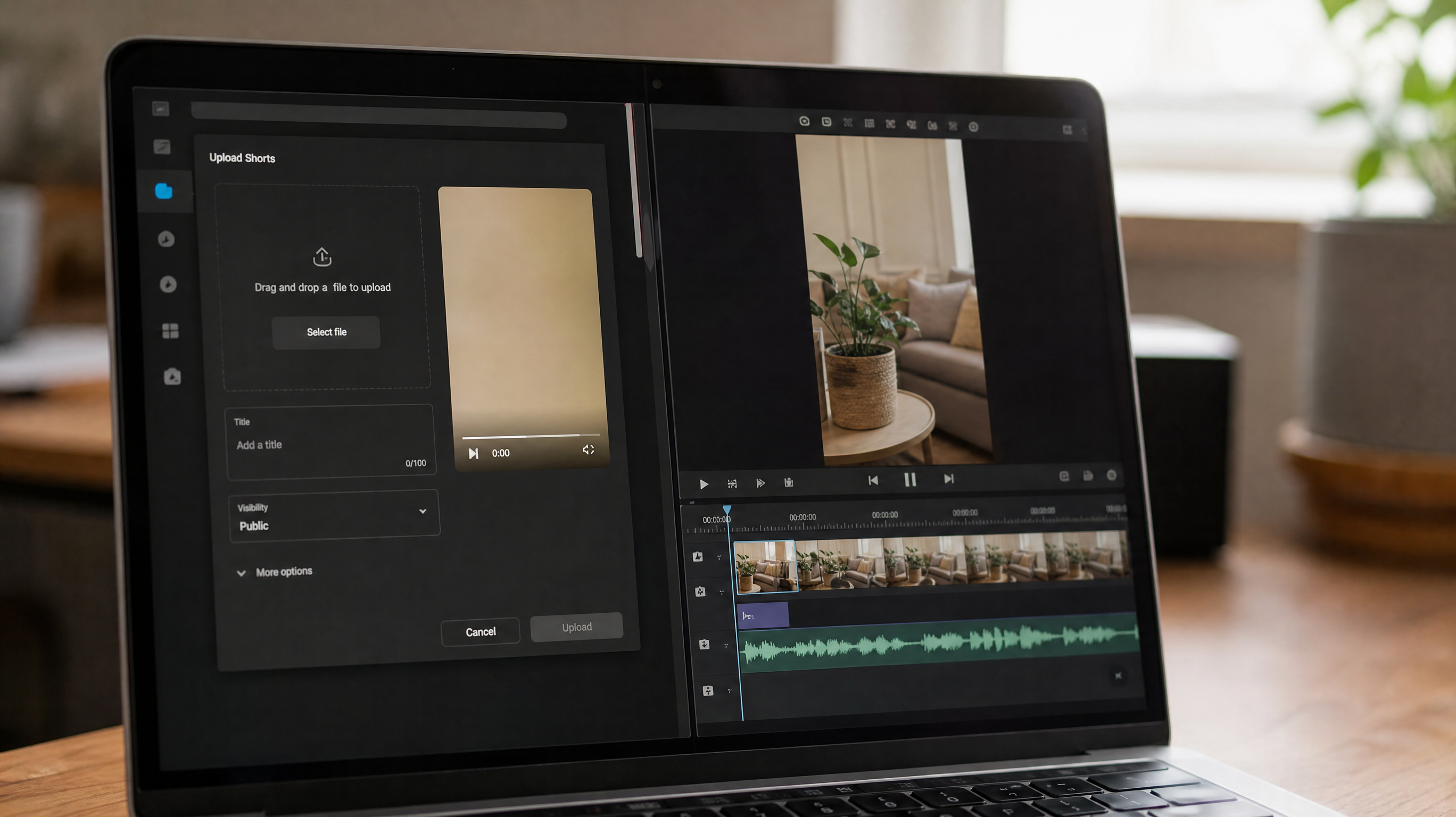
Desktop editing gives you frame-accurate cuts, color grading, motion graphics, and proper audio mixing — advantages worth the extra time when brand presentation matters.
Prepare a Vertical Edit
Open your editing software of choice (Premiere Pro, DaVinci Resolve, CapCut Desktop, or Final Cut) and set your sequence to 1080x1920. Edit your footage at that resolution from the start rather than converting a landscape cut at the end; the reframing almost always looks worse when done as an afterthought. Export H.264 .mp4 at a high bitrate, typically 20–40 Mbps for 1080p content.
Upload in YouTube Studio
Go to studio.youtube.com, click Create > Upload Videos, and drag in your file. As it processes, fill in the title — weave in your topic clearly without forcing awkward phrasing — then add a description with relevant context, two or three hashtags including #Shorts, and a location tag if it's relevant to your niche.
Select a thumbnail that reads clearly at small sizes, since Shorts thumbnails appear on your channel page and in external shares. Check the subtitles tab; YouTube's auto-generated captions are decent but review them for errors before publishing. If you're cross-promoting a long-form video, add an end screen or mention it in the description. Making YouTube Shorts on PC with this level of detail compounds over time — the SEO metadata you set today keeps driving views for months.
Make Shorts from Existing YouTube Videos
Your existing library is an underused asset. Repurposing saves production time and gives older videos a second life in the algorithm.
Use Edit Into a Short
Inside YouTube Studio, open any video, click Edit, and select Edit into a Short. YouTube lets you scrub through the video and cut a 15–60 second clip directly in the browser. This is the cleanest way to make shorts from YouTube videos without downloading files or opening external software.
Repurpose Smartly
The clip you pull matters more than the tool you use. Look for moments with a strong standalone hook — a surprising statistic, a counterintuitive tip, a before/after reveal. Reframe to 9:16 if the original was landscape, add a text overlay that provides context (since viewers won't have the full video's narrative), and include captions. In the Short's description, link back to the original video with a direct call to action: "Watch the full breakdown — link below." That loop converts Short viewers into long-form watch time, which YouTube's algorithm rewards heavily.
The first three seconds determine whether someone swipes away. Open with the payoff, not the preamble.
Optimize, Publish, and Measure Performance
SEO for Shorts
Front-load your primary keyword in the title. YouTube Shorts competes in search the same way regular videos do, so treat the title like a search query someone would actually type. Descriptions can be brief, but include two or three relevant terms and a clear link or CTA.
Creative Hooks and Thumbnails
Your hook is the first frame a viewer sees before they tap and the first words they hear when they do. Make both count. Test different thumbnail styles — text-heavy vs. face-forward vs. graphic — and track which drives more channel-page clicks.
Analytics and Iteration
YouTube Studio's Shorts analytics breaks down views from the Shorts feed, average view duration, and audience retention by second. Watch where viewers drop off, then rewrite that section of your next video. Track whether Shorts viewers convert to long-form views or subscriptions; that conversion rate tells you whether your content bridge is working. Double down on topics with high retention and cut formats that consistently lose viewers before the halfway point.
Data drives the next decision. Every Short you publish teaches you something the next one can use.