Brand brief
Attach a brand kit as the brief and the agent works from your colours, font and logo. Kits live under Brand kits in the app.
Give the agent what you have: a script, a short voiceover, a track section, or a video you like. It generates each scene, cuts the result together, and drops the finished video in your projects, ready to clip, caption and publish. It can also turn a script into an explainer, bring a photo to life, or make a video of you from one photo.
AI video is priced in credits. The composer shows what a video will cost before anything is made.
The agent lives in the signed-in composer. Not a member yet? Start free first.
This clip started as a few sentences of script. The agent generated a scene for each one, read them in an AI voice, and cut the result together. It then went through the ordinary clipper for captions, the same as any upload. The other 4 are single-scene previews of the visual styles the agent generates in.
Start from whatever you already have. Each mode ends the same way: a finished video in your projects. Next to these four, the composer has Explainer, Image to video and AI clone.
Paste or write a script. The agent splits it into scenes, generates a shot for each one, reads the whole thing in an AI voice, and cuts it together in the order you wrote it.
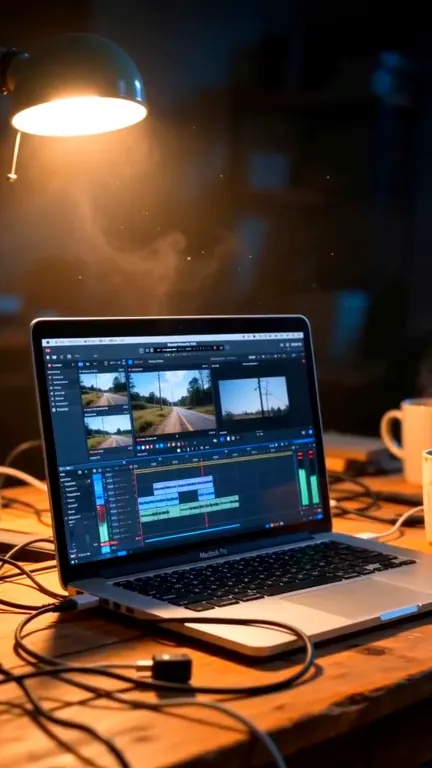
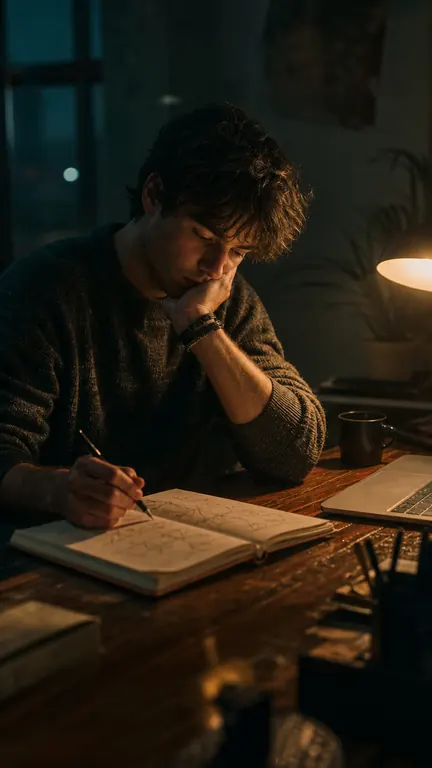
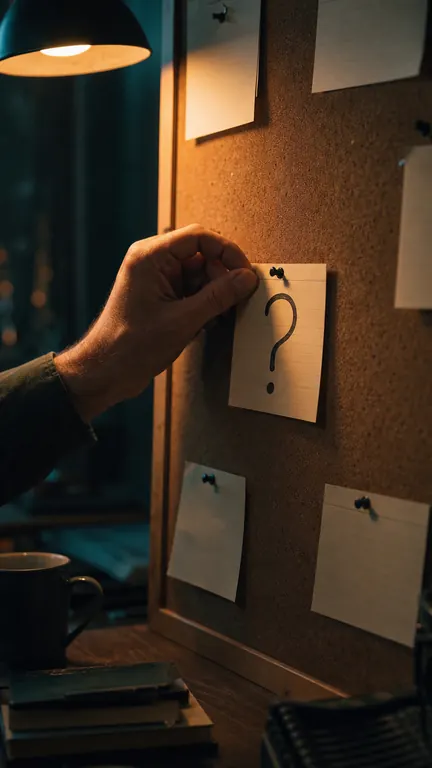
Upload a short voiceover, hook or verse, up to about 90 seconds. The agent listens, plans a scene for each beat, generates the visuals, and cuts them to your audio. Your recording stays exactly as it is. Generation is metered per scene, which is why uploads are kept short.
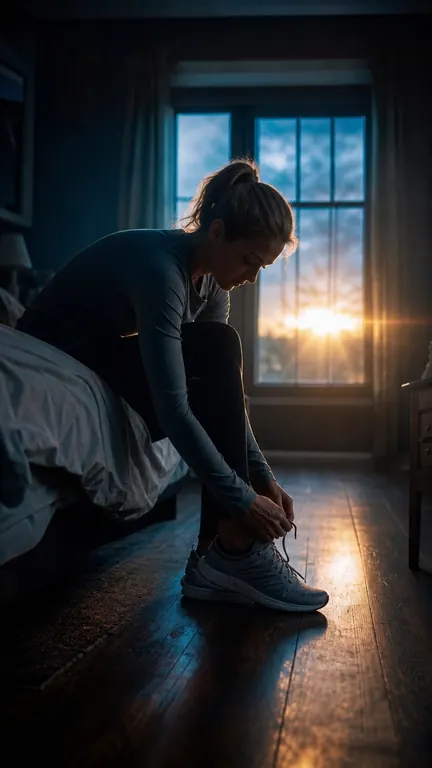
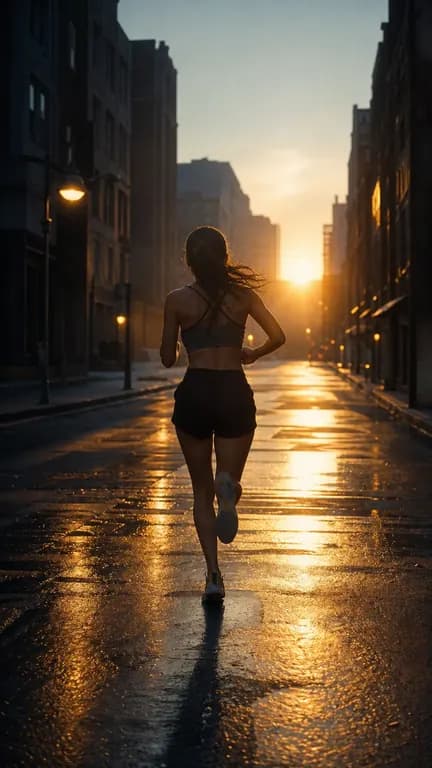


Drop in a short section of a song or an instrumental: a hook, a chorus, a verse. The agent builds a sequence of generated scenes cut to it, so you have a music video or a visual bed for a lyric clip without shooting anything.
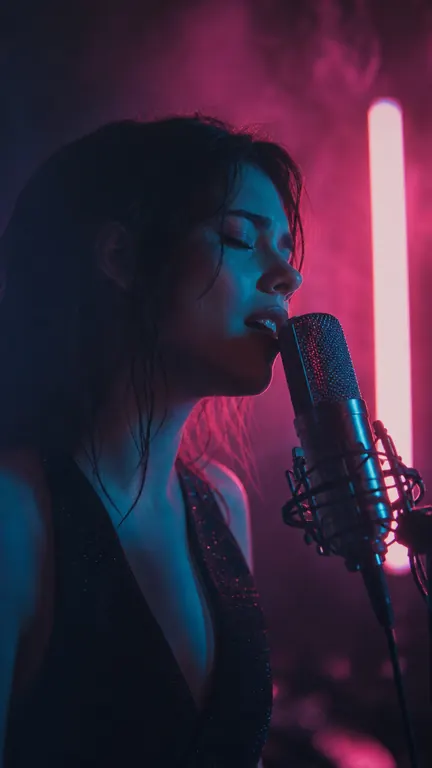
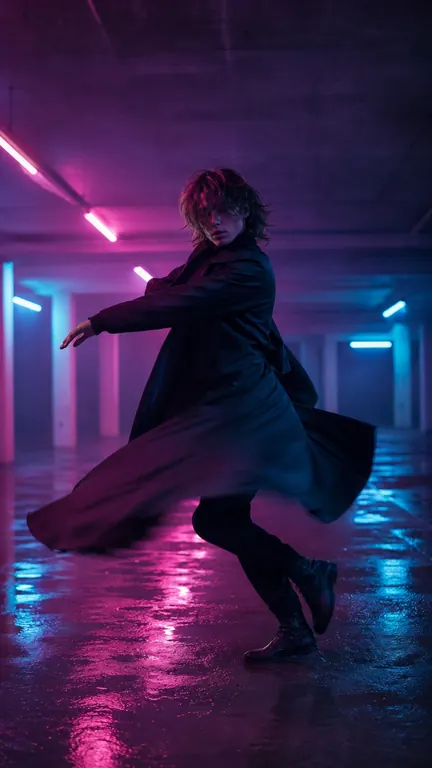
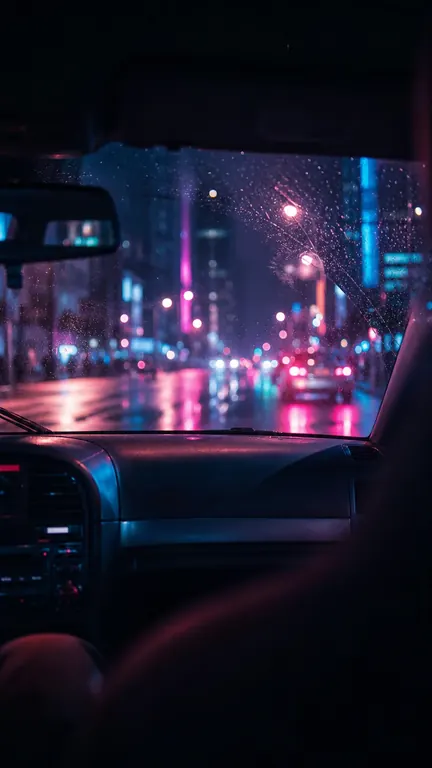
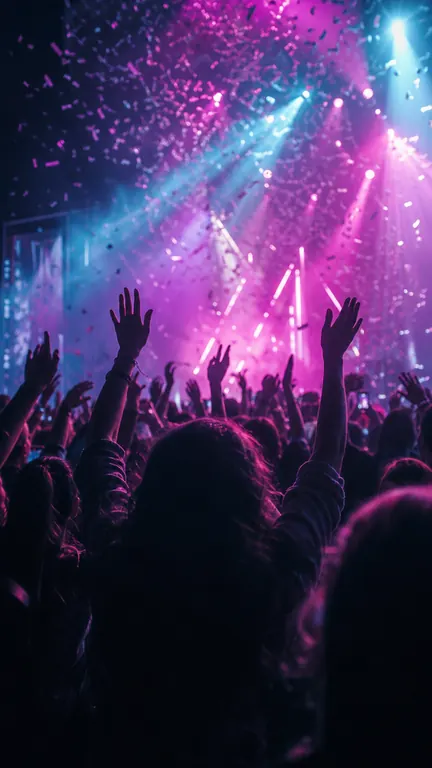
Point at a video you like, a YouTube link or an upload, and the agent writes a new script in that structure and pacing about your topic. You edit the script, see the price, then generate.
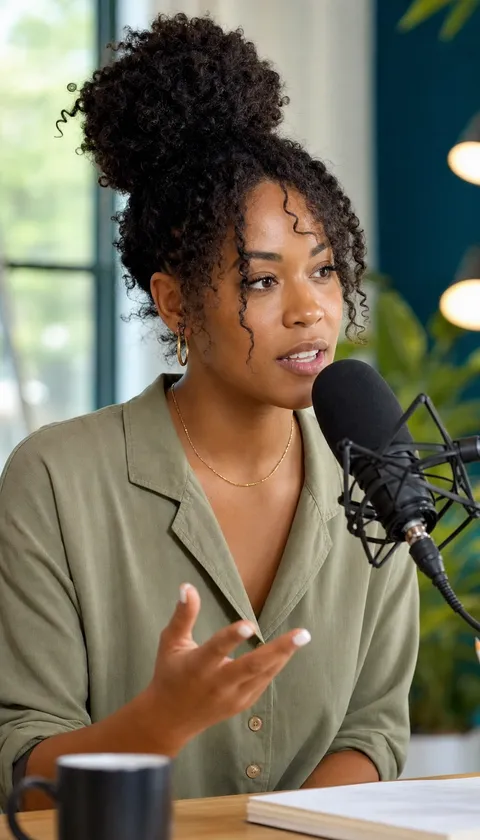
Attach a brand kit as the brief and the agent works from your colours, font and logo. Kits live under Brand kits in the app.
9:16 for Shorts, Reels and TikTok. 1:1 for feeds. 16:9 for YouTube and the web. Pick it before you generate.
The composer prices the whole video before anything is made — scene by scene in the scene modes — and nothing runs until you accept it.
Nothing about a generated video is special once it exists. It is a source in your projects, so everything Haze Clips does to an upload, it does to this.
A generated video is stored as an ordinary source, next to your uploads.
Run the clipper on it, restyle the captions, pick a template, the same as any upload.
Post or schedule to your connected channels from the editor. No watermark on paid plans.
The generation side of Haze Clips. Instead of starting from a video you recorded, you start from a script, an audio file, a song, or a reference video, and the agent generates the scenes and cuts the result together. It lives in the composer at /create once you are signed in.
AI video is priced in credits: 1 credit is 1 second of generated video, and an explainer is 1 credit per 5 seconds. Before anything is made, the composer shows what it will cost, and nothing runs until you accept that figure. Planning and pricing a video is free, and a job that fails is refunded in full.
Script to video, audio to video and song to video; reference to video (beta), which writes a new script in the structure of a video you like, for you to edit; explainer, which draws a narrated explainer with maps, photos, counters and charts from your script; image to video, which turns one still into a 5 or 10 second clip; and AI clone (beta), which makes a video of you saying your script from one photo. Every mode lives in the composer at /create, and a mode that is not switched on for your account yet says so there.
The voice you pick. The voice picker has accent and language filters, with native Latin American Spanish, Brazilian Portuguese, Arabic and Korean narrators, and on paid plans you can clone your own voice. In audio to video your own recording is the soundtrack and stays exactly as you uploaded it; the agent only generates the picture.
Short. Audio to video takes a voiceover, hook or verse of up to about 90 seconds, and song to video takes a short section of a track. Generation is metered per scene, so the uploads are kept short by design.
Yes. The finished video lands in your projects as an ordinary upload, so the clipper, captions, templates and publishing all work on it.
Turn your long videos into short, viral content.