Best TikTok Video Editing Apps for Reels and TikToks in 2026
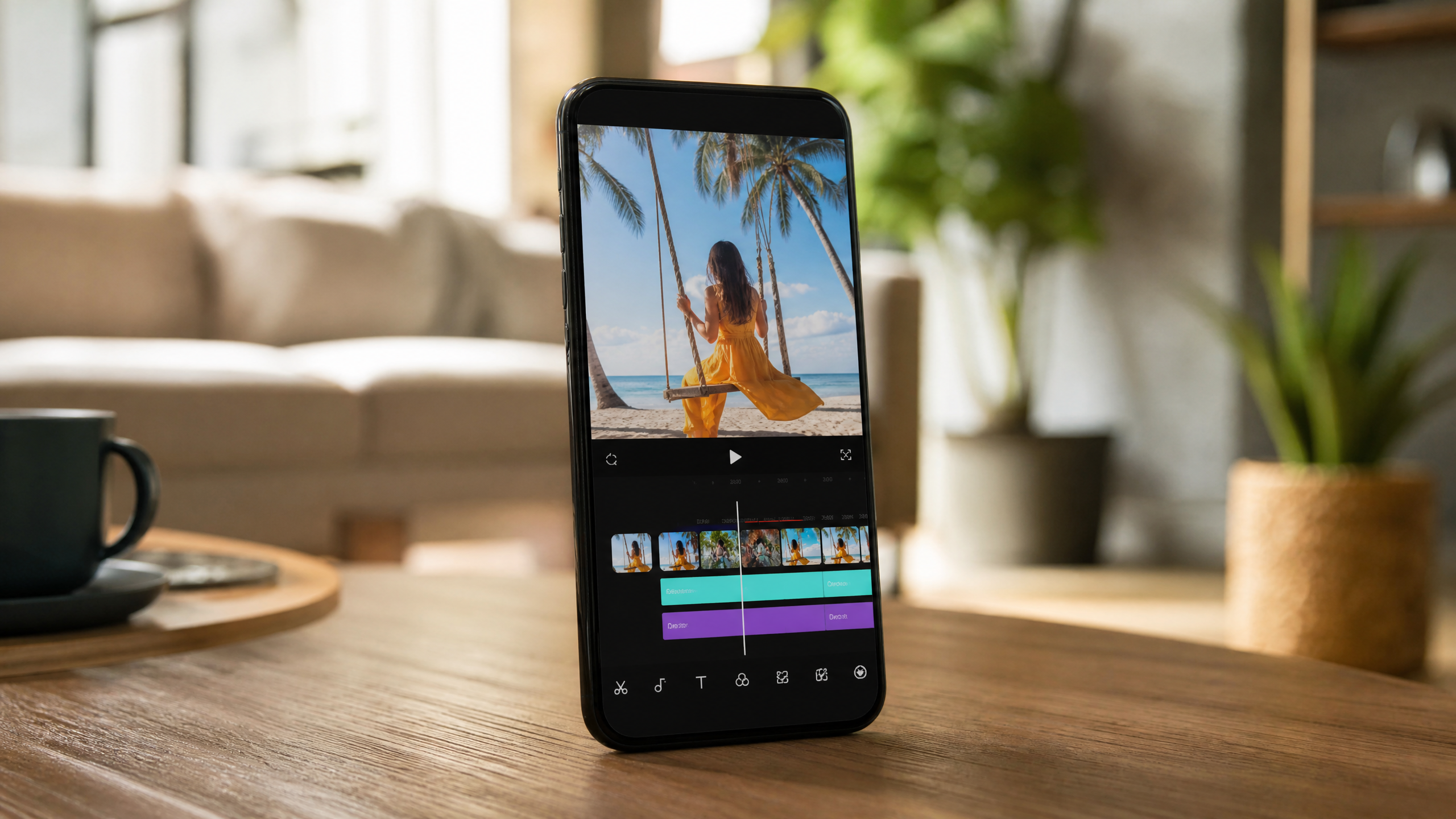
Short-form video continues to dominate social feeds, and the gap between a scroll-stopping clip and one that gets ignored often comes down to editing. The right app handles the technical heavy lifting — aspect ratios, captions, beat sync — so you can focus on content that converts. Whether you're a solo creator or managing a brand's social presence, choosing the best video editing app for TikTok and Reels is one of the highest-leverage decisions you'll make this year.
What to Look for in a TikTok Video Editing App
Not every mobile editor is built for short-form social. A few features separate the genuinely useful tools from the ones that waste your time.
Native 9:16 support should be non-negotiable. Apps that force you to crop or letterbox vertical footage add friction and often clip safe-zone text. Pair that with auto-captions — CapCut and Adobe Express both generate them in seconds — and you immediately improve accessibility and watch time.
Smart editing tools matter more as your skills grow. Beat sync locks your cuts to the track's tempo automatically. Keyframes let you animate position, scale, and opacity over time. Speed ramping creates dramatic slow-to-fast transitions popular in fitness and lifestyle content. Green screen and AI cutouts round out the toolkit for anyone layering graphics or product shots over custom backgrounds.
Direct publishing to TikTok and Instagram Reels from inside the app saves the re-upload dance, but check the export settings first. You want HDR support and a bitrate of at least 8 Mbps for clean 1080p delivery — anything lower and compression artifacts show up on mobile screens.
Asset libraries also matter. Royalty-free music, sound effects, stickers, and licensed B-roll inside the app keep you out of copyright trouble and speed up production. Finally, read the pricing fine print: free tiers on many apps watermark exports, cap resolution, or lock trending templates behind a paywall. Confirm iOS and Android availability, and check whether a desktop version exists if your workflow spans devices.
Top Picks: Best Video Editing App for TikTok and Reels
CapCut sits at the top of the list for most creators in 2026. It's free, template-driven, and ships with genuinely powerful AI tools — auto-captions, background removal, and smart scene detection among them. The template library refreshes with trending styles weekly, which makes it one of the best apps for making TikToks when speed matters.
InShot is a fast mobile editor that excels at text overlays and transitions. It's particularly reliable for Reels workflows because its export profiles are tuned for Instagram's codec preferences. The interface is clean enough for beginners but has enough depth — keyframes, blend modes — to keep intermediate editors happy.
VN (VlogNow) punches well above its price point. It offers a proper multi-track timeline, no watermarks on export, and multi-track audio — features you'd normally pay for. Android users especially gravitate toward VN because CapCut's feature rollout has historically been faster on iOS.
Adobe Premiere Rush and Adobe Express serve creators who need cross-device continuity. Start an edit on your phone, finish it on desktop, publish from the web — the project syncs automatically. Brand kits let agencies and social teams apply consistent fonts, colors, and logos across every export without rebuilding from scratch. Licensed music and stock assets through Adobe's library remove the copyright guesswork entirely.
Canva Video rounds out the top five for teams and marketers. Its social-first templates are quick to customize, and the collaboration features — comments, approvals, shared brand assets — make it the go-to for agencies managing multiple client accounts simultaneously.
Side-by-Side Value and Pricing Overview
Freemium models vary dramatically across these apps. CapCut and VN are effectively free with no watermark. InShot adds a watermark on free exports; removing it costs around $3.99/month or $14.99/year. Adobe Rush and Express fall under the Creative Cloud umbrella, typically $9.99–$12.99/month standalone, with annual plans cutting that by 20–40%.
Export quality deserves a close look before you commit. Most apps now support 1080p, but 4K export and HDR are often paywalled. Check the codec output too — H.264 is universally compatible, while H.265 offers better compression at higher quality but can cause issues on older Android devices.
Platform fit matters. iOS users with serious editing ambitions often move to LumaFusion, a $29.99 one-time purchase that delivers near-desktop-grade multi-track editing on iPad and iPhone. Android users lean toward VN and CapCut, both of which receive consistent feature updates on Google Play. Before buying any premium subscription, run the free trial against your actual use case — test the music library, template limits, and export quality on a real project, not a sample clip.
Best Apps to Make TikToks by Creator Needs
For Beginners
CapCut and InShot are the clearest starting points. Both offer one-tap templates that handle timing, transitions, and text placement automatically. CapCut's auto-caption tool is accurate enough to use without heavy correction, which helps new creators get accessible content out faster. InShot's trimming interface is intuitive enough to learn in a single session.
For Advanced Editors
LumaFusion on iOS and Adobe Premiere Rush on any platform give experienced editors the control they need. Keyframe animation, manual color grading, multi-track audio mixing, and precise speed ramping are all available. These apps treat the mobile editor as a professional tool rather than a simplified version of one.
For Social Teams
Canva Video and Adobe Express are built for collaboration. Brand kits enforce visual consistency across posts, approval workflows keep stakeholders in the loop, and shared asset libraries mean every team member pulls from the same approved font and logo set. For agencies handling five or more client accounts, the time saved on brand alignment alone justifies the subscription cost.
For Budget Creators
VN and CapCut offer the most capable free tiers of any apps to make TikToks currently available. No watermarks, multi-track audio, solid template libraries, and regular updates — all at zero cost. For creators who aren't ready to invest in a subscription, this combination covers nearly every use case.
Workflow: From Shoot to Post with TikTok Video Editing
Good editing starts before you open the app. Plan your hook and total length deliberately: the first 3–9 seconds need to stop the scroll, and 15–35 seconds tends to be the sweet spot for completion rates on both TikTok and Reels.
Shoot vertical at 9:16 from the start. Fix lighting before you record — a ring light or a window works — and prioritize clean audio using a lavalier or shotgun microphone over the phone's built-in mic. Noisy audio drives viewers away faster than shaky footage does.
In the editor, rough cut first. Get the story in order, trim dead air, and set the pace before touching anything else. Then layer in captions with proper text timing, align cuts to the beat using beat sync, and place any B-roll or graphics. Polish last: apply a subtle color grade, add sound design elements, and double-check that all text sits inside safe margins — roughly 150px from each edge on a 1080x1920 canvas.
Export at 1080x1920, use the highest available bitrate (10 Mbps or above where possible), and post natively through the platform's app. Native uploads consistently outperform third-party scheduler uploads in early distribution, so save the scheduler for the metadata and hashtag strategy rather than the actual file delivery.
FAQs: Apps for Making TikToks and Reels
What's the best video editing app for TikTok and Reels right now? CapCut, VN, and InShot lead for speed and value in 2026. Adobe Rush and LumaFusion are the top choices when production quality and cross-device workflow matter more than cost.
Are there apps to make TikToks without watermarks? Yes. VN exports without a watermark on the free tier. Most other editors — InShot, CapCut Pro, Adobe Express — remove watermarks on paid plans, which typically start under $5/month.
Which apps for making TikToks support auto-captions? CapCut generates auto-captions on both iOS and Android for free. Adobe Express and Rush offer them within the Creative Cloud subscription. Several premium tiers across InShot and Canva Video also include caption generation.
What's the difference between apps to make TikToks versus Reels? Functionally, very little. Both platforms use 9:16 at 1080x1920. The main variable is the export profile — make sure the app you choose has dedicated TikTok and Instagram Reels presets, as the recommended bitrate and codec settings differ slightly between the two platforms.
At Haze Tech Solutions, we help brands identify and implement the right tools across their entire digital stack — from the apps used to create content to the SEO and automation systems that amplify its reach. The best apps to make TikToks are only as effective as the strategy behind them.