
Free Shorts Downloads: Get YouTube Shorts Fast and Legal
Free Shorts Downloads: Get YouTube Shorts Fast and Legal
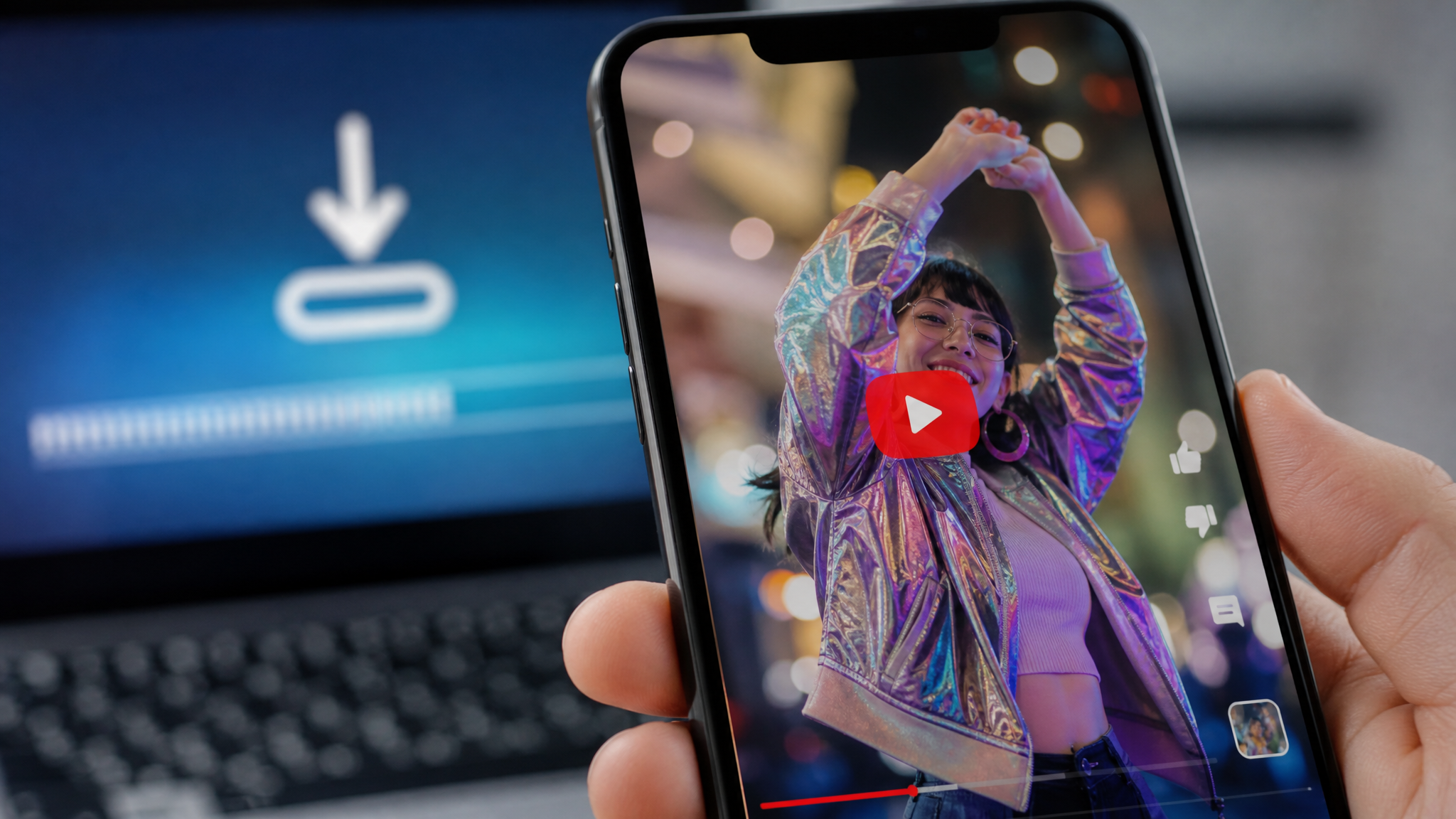
Creators, marketers, and brand strategists are all asking the same question: how do you get YouTube Shorts content fast, without legal headaches or watermarks ruining the final product? The answer depends on what you're downloading, why you're downloading it, and which tools you trust. This guide covers all three.
Why Download YouTube Shorts and When It Makes Sense
Use Cases for Creators and Marketers
Downloading Shorts isn't just a convenience—it's a legitimate workflow strategy when used correctly. If you've published your own content and need to repurpose it across TikTok, Instagram Reels, or LinkedIn, grabbing your own Shorts from YouTube saves time compared to hunting through your camera roll. Consistent cross-platform distribution builds brand recognition, and having a local library of your short videos for YouTube means you can schedule, batch-edit, and republish without re-exporting from scratch every time.
Competitive research is another strong use case. Studying the top-performing videos for YouTube Shorts in your niche—examining their hooks, pacing, captions, and audio choices—gives you a data-rich shortcut to what's already resonating. You're not copying; you're reverse-engineering successful formats to apply to original content.
Risks and Rules to Know First
Before any youtube shorts free download, get clear on copyright. YouTube's Terms of Service prohibit downloading content without explicit permission unless YouTube itself provides a download option. That applies even if the content appears "free" or lacks a copyright notice. Fair use is a legal defense, not a blanket pass—it applies in specific contexts like commentary, criticism, or education, and courts evaluate it case by case.
Always verify that you have rights to the content you're downloading. Downloading your own Shorts? You're fine. Downloading someone else's to repost unedited? That's infringement territory. Know the difference before you click anything.
Quick Guide: Free Download YouTube Shorts (Step-by-Step)
Find the Shorts URL
Start on mobile by tapping the Share button inside the YouTube app and copying the link. On desktop, grab the URL directly from the address bar while the Short is playing. The URL typically looks like youtube.com/shorts/[video-id]. Some download tools require the standard watch URL format—if that's the case, replace /shorts/ with /watch?v= and you're set.
Download Without Watermark
Paste the copied link into a reputable youtube shorts free download tool that explicitly supports the 1080×1920 vertical format. Select MP4 as your format and choose the highest available resolution—usually 1080p for Shorts. Hit Download and let the tool process the file.
Before you do anything else with the file, play it back. Confirm the audio is intact, the aspect ratio is correct, and there's no service watermark embedded in the corner. Some free tools quietly brand the video; check the first and last three seconds closely. If the audio is missing or the resolution has dropped to 480p, try a different tool or source URL format.
Top Tools for YouTube Shorts Free Download
Web-Based Downloaders
Several browser-based tools handle free download youtube shorts reliably without requiring an account. Look for platforms that explicitly advertise no-watermark output, list YouTube Shorts support in their FAQ, and use HTTPS. Tools like SSYouTube, SaveFrom, and Y2Mate have broad format support and generally handle vertical Shorts URLs without issue—though their interfaces change frequently, so verify functionality before building a workflow around them.
Browser Extensions and Mobile Apps
If you're downloading frequently, extensions and apps reduce the process to a single tap. On desktop, extensions like Video DownloadHelper integrate directly into your browser toolbar. On mobile, apps designed for youtube shorts free downloads let you paste a link and save to your camera roll in under 30 seconds.
One caveat: browser extensions request broad permissions by default. Read what each extension accesses before installing. An extension that needs access to "all websites" and your clipboard is asking for more than it needs to download a video.
Automation-Friendly Options
Teams that regularly save multiple short videos for YouTube—for example, a content team tracking 20 competitors weekly—should look at tools with batch download capabilities or API access. Some services allow you to input a playlist or channel URL and download multiple Shorts at once. This scales the research and archiving process considerably. Steer clear of any tool that demands a login to a third-party account, requests OAuth access to your YouTube credentials, or displays an unusually high number of redirect ads before the download starts.
Free Short Videos for YouTube: Stock, Templates, and B-Roll
Where to Find Free Videos for YouTube Shorts
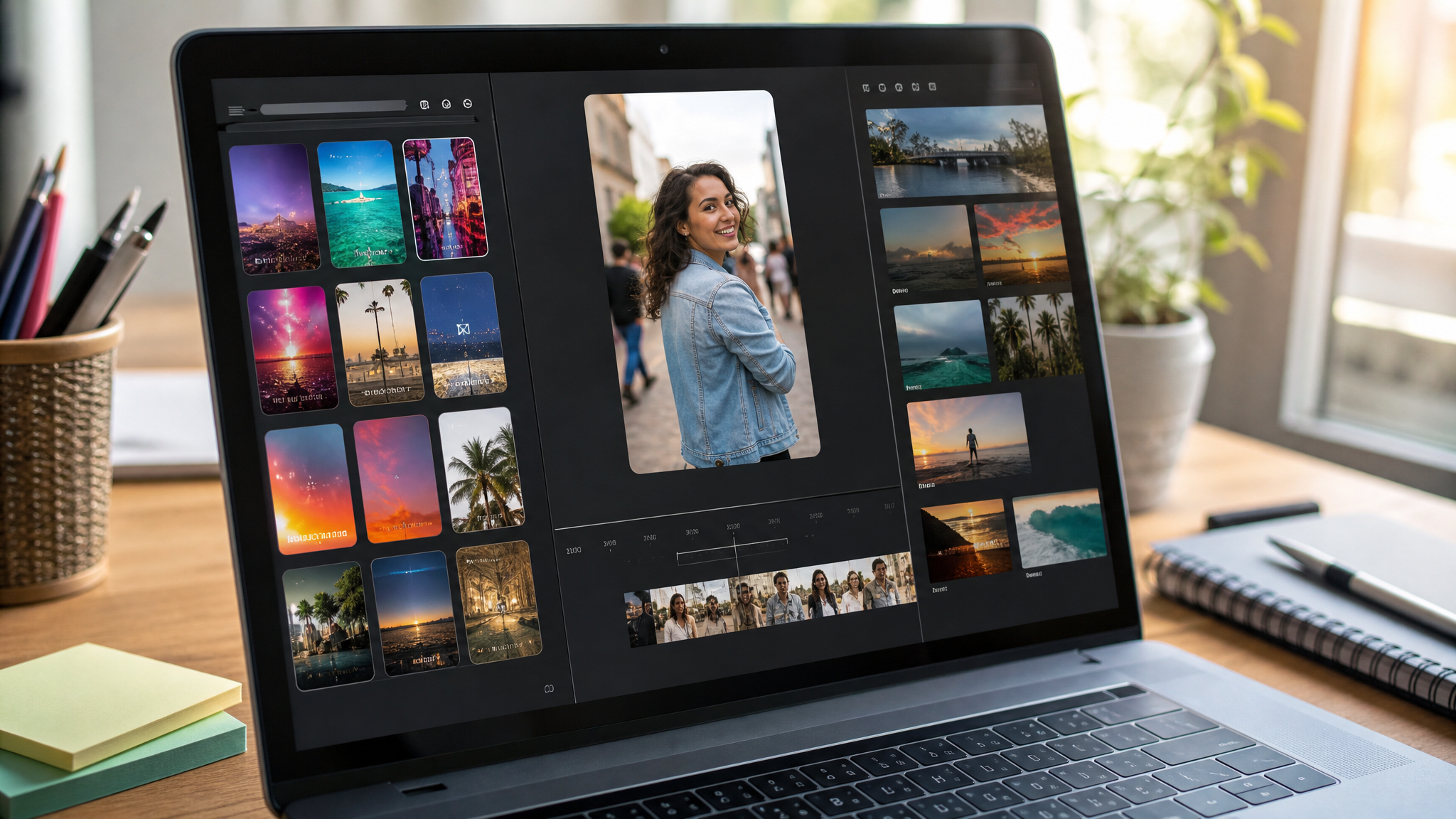
Not everything you need has to come from someone else's YouTube channel. Stock libraries are a cleaner, legally safer source of free short videos for youtube. Pexels Video, Pixabay, and Coverr all offer CC0-licensed footage—meaning no attribution required, commercial use included. Mixkit provides a curated selection of free videos for youtube shorts in vertical format, which eliminates the crop-and-reframe step entirely.
For template-driven production, Canva's video editor includes short-form templates pre-sized at 9:16. CapCut offers similar functionality with built-in captions, transitions, and trending audio options already cleared for use.
Licensing Made Simple
Filter your searches by 9:16 aspect ratio and 15–60 seconds length to match YouTube Shorts' technical requirements from the start. Before downloading any stock clip, read the license page—not the homepage summary, the actual license document. Confirm two things: commercial use is permitted and whether attribution is required. CC0 licenses need neither. Creative Commons Attribution (CC BY) licenses require a credit line. Standard "royalty-free" doesn't always mean free to use commercially without payment, so read carefully.
Legal and Ethical Use: Permissions, Credits, and Fair Use
Using Others' Content Responsibly
The cleanest approach to reposting youtube shorts free content is written permission from the original creator. A DM screenshot is better than nothing, but a short email exchange that explicitly states "you may repost this video on [platform]" is real documentation.
Transformative edits occupy grayer ground. Adding your commentary, critique, or educational framing over someone else's clip can qualify as fair use under U.S. law, but there's no guarantee. Four factors determine it: the purpose and character of the use, the nature of the original work, how much was used, and the effect on the market for the original. Courts weigh all four. Transforming 30 seconds of a 31-second Short with a text overlay doesn't automatically make it fair use.
Protecting Your Own Shorts
Credit original creators in your description and link back to their channel when you're building on their work. Include license details when using stock footage—"Footage via Pexels (CC0)" takes five seconds to type and protects you.
For your own Shorts, add a subtle watermark with your channel handle or logo in post-production. It deters casual theft and keeps brand attribution intact when clips get screen-recorded and shared. Registering creative works with the U.S. Copyright Office provides stronger legal standing if infringement becomes a real issue.
Optimization: Turning Downloads into High-Performing Shorts
Edit for Retention
Retention is everything in the Shorts feed. Hook viewers within the first two seconds—an unexpected visual, a direct question, or a bold claim. Add captions because a significant portion of mobile viewers watch without sound. Punch-in cuts (zooming slightly between edits) create motion and energy without requiring additional footage. Audio dynamics matter too: start loud, then ease into a more conversational level so the viewer adjusts rather than scrolls away.
Combine downloaded clips with your own narration, screen recordings, or graphic overlays. This isn't just about originality—it's about voice. The same clip with your framing becomes your content.
Publish for Discovery
Use "YouTube Shorts" as your primary keyword in titles and descriptions. Weave in related terms like "videos for YouTube Shorts" and "short videos for YouTube" naturally where the context fits. Tags, while less powerful than they once were, still contribute to topical categorization—use five to eight specific ones rather than a long list of generic terms.
Where thumbnail selection is available, A/B test two versions across similar Shorts to see which drives higher click-through. Experiment with publish times—many accounts see stronger early traction from posting between 12–3 PM and 7–9 PM local time. Track watch time percentage, not just raw views; a 90% retention rate on 500 views tells you more about content quality than 5,000 views at 20% retention.
Approach every downloaded clip as raw material, not a finished product. Process it, add value, publish strategically, and measure what works.