
Micro-Content: Turn One Video Into a Week of Short Clips

Micro-Content: Turn One Video Into a Week of Short Clips
A single well-produced video contains far more value than one upload. With the right workflow, that one recording becomes seven days of short clips across TikTok, Instagram Reels, YouTube Shorts, and beyond — each piece optimized for its platform, each one earning its own audience. Here is exactly how to do it.
Step 1: Define Your Goal and Select the Source Video
Clarify Audience and Outcome
Before touching a timeline, get specific about what you want each short video clip to accomplish. Awareness clips drive reach — they introduce your brand to cold audiences. Engagement clips spark comments and shares. Conversion clips push viewers toward a decision. Mixing all three in one week gives you a balanced content calendar without publishing anything redundant.
Pin down your platform before you pin down your content. A 9-second hook that performs on TikTok will likely need a different opening rhythm for YouTube Shorts. Knowing where your audience lives shapes every editing decision that follows.
Choose the Right Long-Form Video
Not every video is worth repurposing. Pick a recording that already has clear segments, quotable one-liners, and visual variety — something that naturally breaks into self-contained ideas rather than one long continuous argument. A 20-minute tutorial on habit-building, for example, might contain eight distinct tips, three strong hooks, and several B-roll cutaways. That is rich source material.
Confirm you own the rights to every element: talking-head footage, B-roll, music, graphics. If you pulled any short video clips free stock footage or royalty-free music, verify the license covers derivative works. Skipping this step creates legal exposure later.
Step 2: Log the Video and Map Clip Opportunities
Spot Hooks and Highlights
Watch the video twice. The first pass is for full context — resist the urge to mark anything. On the second pass, pause and timestamp every moment that could function as a standalone clip: strong hooks, surprising statistics, punchlines, FAQs answered in one sentence, and genuine "aha" moments. These are the raw ingredients for your mini video clips.
Pay equal attention to what appears on screen. B-roll sequences, on-screen text animations, and product close-ups can all stand alone as a small video clip. A viewer who never hears the voiceover should still understand what the clip is showing.
Create a Clip List with Timestamps
Open a simple spreadsheet and log every candidate with its start time, end time, clip type, and platform fit. Target 7–10 potential cuts — enough to cover a full week without padding the list with weak material. Mark which moments could shrink to 5 second video clips for use as teasers or story bumpers. Those ultra-short cuts demand an immediate, undeniable visual payoff, so be selective.
A clip list forces discipline. It turns a vague plan into a concrete production document your editor can execute without back-and-forth.
Step 3: Script Micro-Hooks and Calls to Action
Write Intros Under 2 Seconds
Every short clips for YouTube videos and short-form platforms lives or dies in the opening frame. Write a one-sentence hook for each clip — something that earns the viewer's attention before they can scroll. "You're losing clients because of this one sentence" lands harder than "Today I want to talk about client retention." The hook is a promise; the clip delivers it.
Each clip should also carry one concise takeaway. A viewer who watches a video clip to completion and learns exactly one useful thing is more likely to follow, save, or share than a viewer who watches something vague. Keep each piece self-contained.
Tailor CTAs to Platform
Match your call to action to the platform's behavior. On TikTok, "comment your answer below" drives the algorithm. On YouTube Shorts, "watch the full breakdown" turns a teaser into traffic. On Instagram, "save this for later" boosts reach via saves. Write the CTA line before you edit — it shapes how you trim the clip's ending.
Prepare at least two versions of your hook for each clip. Running a short video clip with a text-overlay hook against a version that opens with a direct-to-camera question gives you real performance data rather than assumptions. That data compounds over time into a reliable formula.
Step 4: Edit and Format Your Clips
Cut, Trim, and Pace
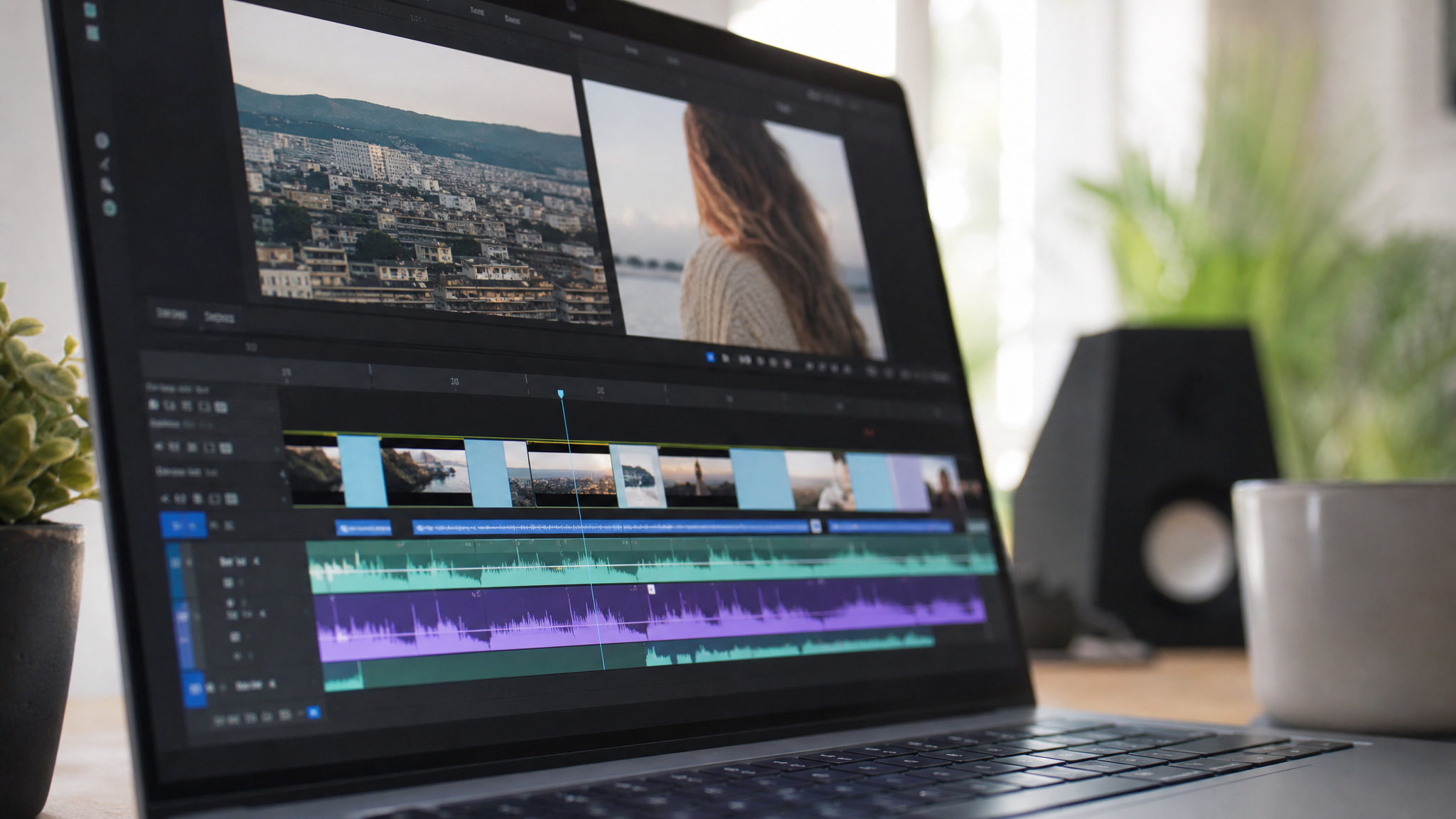
Build multiple length variants from a single source moment. A strong how-to segment might yield a 5-second teaser, a 15-second summary, and a 28-second full cut. Each version serves a different placement: the 5-second cut runs as a story ad, the 15-second cut goes to Reels, the full cut lands on YouTube Shorts. This is the core economics of micro-content — one edit session, multiple outputs.
Aspect Ratios and Captions
Export every clip in the three standard ratios: 9:16 vertical for Reels, TikTok, and Shorts; 1:1 square for feed posts; 16:9 horizontal for any small video clips for video editing workflows that feed into a longer compilation later. Exporting all three at once adds minutes to a session and saves hours of rework downstream.
Burn captions directly into the video. Studies consistently show that 85% of social video is watched without sound, which means captions are not optional — they are the audio track for most viewers. Add a punchy headline at the top of the frame and, if your editor supports it, a progress bar along the bottom. Both increase watch-through rate.
Light Branding
Place your logo in a consistent corner and apply your brand color palette to any text overlays. The goal is instant recognition, not visual noise. A viewer who watches six of your clips over a week should feel a coherent identity, not six separate productions.
Step 5: Optimize Metadata and File Organization
SEO and Discoverability
Write a unique title and description for every clip on every platform. Lead with the most specific keyword — "short video clips for habit-building content" tells the algorithm exactly what the piece is. Pack the first 150 characters of any description with genuine information, because that is what surfaces in search previews. Add platform-appropriate hashtags: three to five focused tags outperform twenty scattered ones on most platforms right now.
Efficient Naming and Storage
Name files with a consistent structure: topic-keyword-length-platform — for example, habit-short-video-clips-15s-reels.mp4. This makes batch uploads faster, prevents version confusion, and makes searching your archive trivial six months later.
Organize exported files in folders by day and platform before your publish week begins. Keep a separate folder for any short video clips free stock B-roll and licensed music, with the license documentation stored alongside the assets. If a copyright claim arrives, you want proof in one click.
Step 6: Publish, Schedule, and Iterate for a Week
Cadence and Cross-Posting
Schedule one clip per day across your active platforms. Stagger upload times — 7 a.m. on Monday, 12 p.m. on Tuesday, 6 p.m. on Wednesday — to test when your specific audience is most responsive. Most scheduling tools surface this data automatically; use it. Pin the first strong performer to your profile so new visitors see your best work first.
At the end of the week, compile your mini video clips into a recap playlist on YouTube. A playlist gives algorithmic lift to every clip inside it and gives binge-ready viewers a reason to stay.
Measure and Refine
Pull three numbers for each clip: hook retention at the 2-second mark, overall watch time, and comment count. Hook retention tells you whether your opening worked. Watch time tells you whether the pacing held. Comments tell you whether the idea resonated enough to prompt a response.
Clips that score well on all three become candidates for paid promotion or longer compilation videos. Archive every variant — even the versions that underperformed — because a small video clip that flopped organically can still convert inside a retargeting ad with the right audience targeting. Nothing gets deleted; everything gets categorized.
One long-form video, systematically broken down, scheduled intelligently, and measured rigorously, can sustain a week of content and teach you exactly what to produce next. That is the compounding advantage of micro-content done right.